1
Phone layout
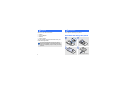
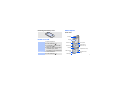
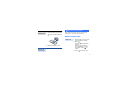
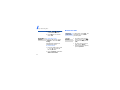
Removing the battery cover
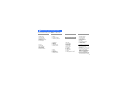
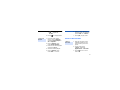
Front view
Earpiece
Display
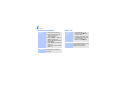
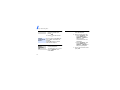
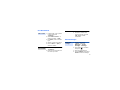
Power on or off
Switch on
1. Open the phone.
2. Press and hold [
].
3. If necessary, enter the PIN
and press <OK>.
4. When the setup wizard opens,
customise your phone
according to your preferences.
Switch off
1. Open the phone.
2. Press and hold [
].
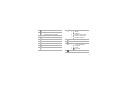
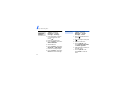
Left soft key
Touch panel
Right soft key
Volume keys
Menu exit key
Dial key
Alphanumeric keys
Multi-function
jack
Mouthpiece
Special function
keys
7