1
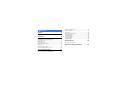
Contents
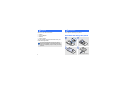
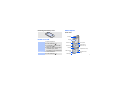
Unpack
6
Make sure you have each item
Get started
6
First steps to operating your phone
Assemble and charge the phone ...................... 6
Power on or off.............................................. 7
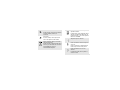
Phone layout ................................................. 7
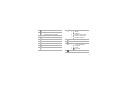
Keys and icons .............................................. 8
Access menu functions .................................. 12
Enter text .................................................... 12
Customise your phone ................................... 14
Use an optional memory card ......................... 16
Step outside the phone
17
Begin with call functions, camera, music player, web
browser, and other special features
4
Make or answer calls.....................................
Use the camera............................................
Play music...................................................
Listen to the FM radio ...................................
Browse the web ...........................................
Use Phonebook ............................................
Send messages ............................................
View messages ............................................
Use Bluetooth ..............................................
17
19
20
23
24
25
25
27
28
Menu functions
30
All menu options listed
Health and safety information
42