1
X7DCL-3/X7DCL-i User's Manual
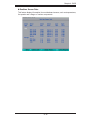
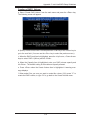
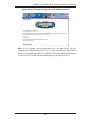
Deleting RAID Volume:
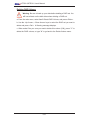
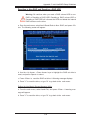
Warning: Be sure to back up your data before deleting a RAID set. You
will lose all data on the disk drives when deleting a RAID set.
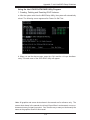
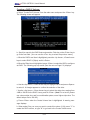
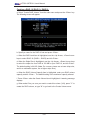
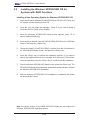
a. From the main menu, select item2-Delete RAID Volume, and press <Enter>.
b. Use the <Up Arrow>, <Down Arrow> keys to select the RAID set you want to
delete and press <Del>. A Warning message displays.
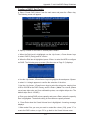
c. When asked "Are you sure you want to delete this volume (Y/N), press "Y" to
delete the RAID volume, or type "N" to go back to the Delete Volume menu.
C-8