1
BT Aqua – Edition 3 - 24.04.07 – 8131
Calls lists
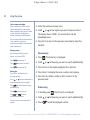
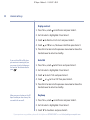
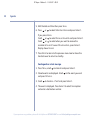
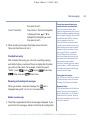
2. Press Options. Show Details is highlighted. Press Select to
see the number, date and time of the call.
3. Press Back to return to the previous menu level or close the
handset cover to return to standby.
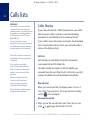
View and dial from a Calls list
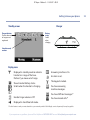
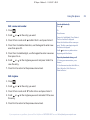
1. Press Menu, scroll
to Calls Lists and press Select.
Missed Calls is highlighted. Scroll
or
to choose
Missed Calls, Received Calls or Dialled Calls.
2. Press Select. You can now scroll
or
through the list.
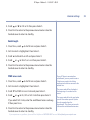
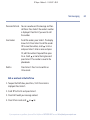
3. Press Options. Show Details is highlighted.
4. Press Select to see the caller’s number, date and time of call.
5. Press Dial to call the number.
6. Press Back to return to the previous menu level or close the
handset cover to return to standby.
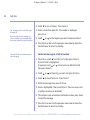
Copy a Calls list number to the phonebook
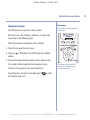
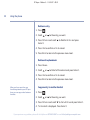
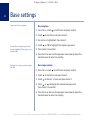
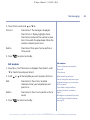
1. Press Menu, scroll
to Calls Lists then press Select.
Missed Calls is highlighted.
If required, scroll
or
to Received or Dialled Calls
then press Select.
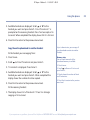
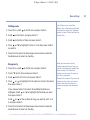
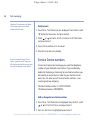
2. Scroll
or
to the entry you want and press Options.
If you experience any problems, please call the Helpline on 0870 605 8047 or email [email protected]
43