1
BT Aqua – Edition 3 - 24.04.07 – 8131
66
Text messaging
Selecting All messages will delete
all messages stored in your Inbox,
Outbox and Drafts box.
Deleting texts
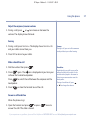
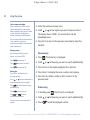
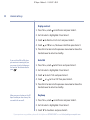
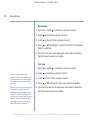
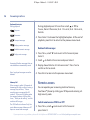
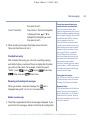
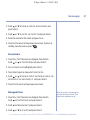
1. Press Menu, Text Messaging is displayed. Press Select scroll
to Delete Messages and press Select.
2. Scroll
or
to Inbox, Drafts, Outbox or All Messages
and press Select.
3. Press Yes to confirm or No to cancel.
4. Press Back to return to standby.
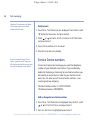
If you have more than one ‘Server
Centre’ stored on your BT Aqua you
will need to select which one you want
to use for sending (see next section).
Service Centre numbers
To send and receive text messages you need the telephone
number of your Network’s text Centre. If you accidentally
delete the Outgoing or Incoming Service Centre numbers you
will need to re-enter them in order for your text Service to
work. You can enter up to 4 Service Centre numbers – two
incoming and two outgoing.
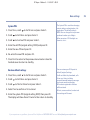
The Send Centre number is: 1470P1709400.
The Receive Centre is: 080058752.
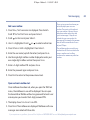
Add or change Service Centre numbers
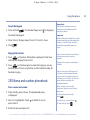
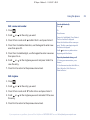
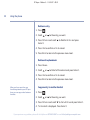
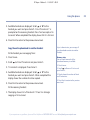
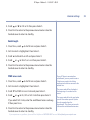
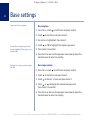
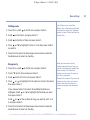
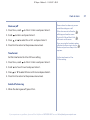
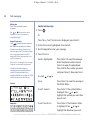
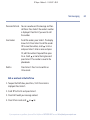
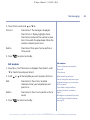
1. Press Menu, Text Messaging is displayed. Press Select, scroll
or
to Text Settings and press Select.
2. Service Centres is highlighted press Select.
If you experience any problems, please call the Helpline on 0870 605 8047 or email [email protected]