1
Properties
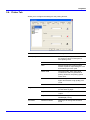
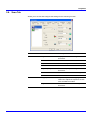
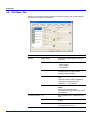
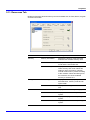
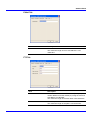
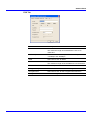
5.6. Printer Tab
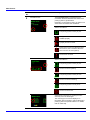
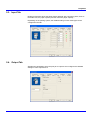
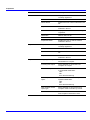
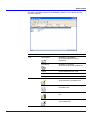
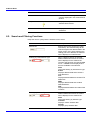
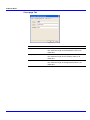
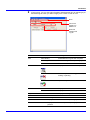
Allows you to configure the settings for the printing function.
Main Item
Sub Item
Description
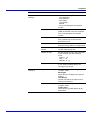
Print quality
EcoPrint
Enables the printing system to reduce
the amount of toner consumption to
save printing costs.
Resolution
Selects the resolution for printing.
Tone
Selects the way the printing system
handles a pixel for representing the color
and halftoning for each pixel.
Gloss mode
The gloss mode, when set to High,
increases the effect of glossiness in
printing. However, the printing speed
slows down.
KIR
A smoothing function makes resolution
higher and realizes a high quality print
result.
Color mode
Selects the default color mode.
Duplex mode
Duplex printing is the mode of printing
on both sides of paper.
Copies
Enables setting for the default number of
copies.
Page orientation
Enables settings for Portrait or
Landscape printing.
Default emulation
Allows you to change the emulation
mode.
Page control
Emulation
KM-NET for Clients
19