1
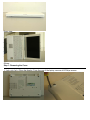
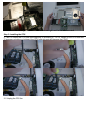
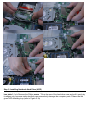
Step 5: Installing Notebook Hard Drive (HDD)
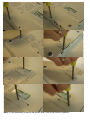
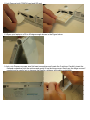
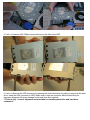
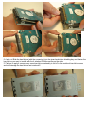
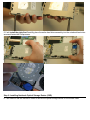
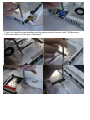
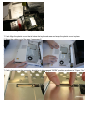
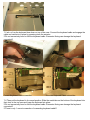
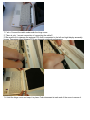
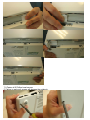
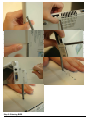
Iron plate 5-1 a.b Remove the Philips screw. Tilt up the rear of the hard drive case and pull it gently by
its edges only, because static electricity can permanently damage the computer parts. Please use the
given HDD shielding tray (refer to Figure 5-1a)