1
BenQ DC 5530 User’s Manual
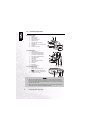
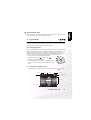
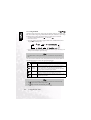
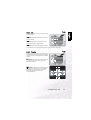
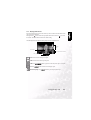
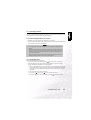
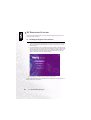
Enables you to set the date format.
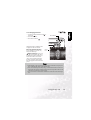
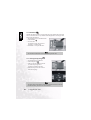
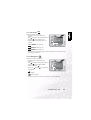
1. In Manual, Auto, or Movie mode, press
MENU/C.
2. Press
to navigate to the top of the menu, and
then press
to select Setup mode
.
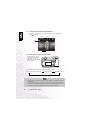
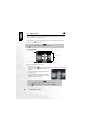
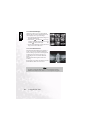
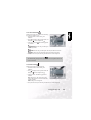
3. Select Date Style. The following options are
available:
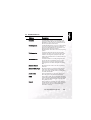
YMD
YY/MM/DD: year, month day
MDY
MM/DD/YY: month, day, year
English
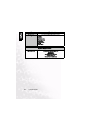
3.5.4 Date Format YMD
DateStyle
SD
SD
Set
09 / 07 / 2018
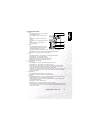
YMD YMD MDY DMY
DMY
DD/MM/YY: day, month, year
4. Press LCD/SET to save the setting and exit the date time submenu. To exit without saving
the settings, press MENU/C.
3.5.5 LCD Brightness
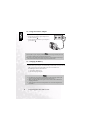
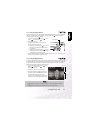
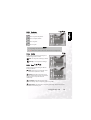
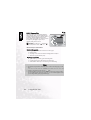
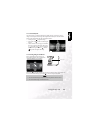
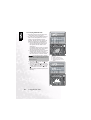
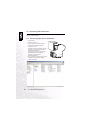
Enables you to set the LCD brightness.
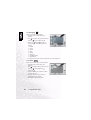
1. In Manual, Auto, or Movie mode, press
MENU/C.
2. Press
to navigate to the top of the menu, and
then press
to select Setup mode
.
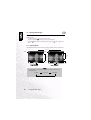
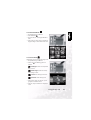
3. Select LCD Brightness
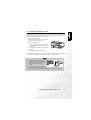
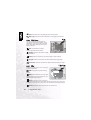
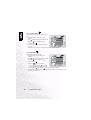
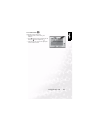
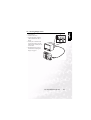
4. Press macro
and flash
LCDbright
SD
SD
Set
09 / 07 / 2018
.
YMD YMD
to raise and lower
the brightness.
: brighter
: normal (default)
5. After you have made your selection, press MENU/C to exit the Setup menu.
Using the DC S40
33