1
BA_DF-7030 Neu_GB.qxd
10
08.11.2011 15:47 Uhr
Seite 4
ENGLISH
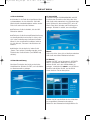
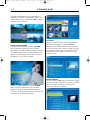
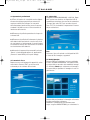
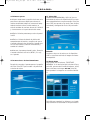
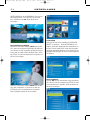
Change slide mode as follows: press SETUP to
choose SLIDE MODE (single /triple/ four windows),
select with , press OK to confirm.
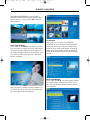
Copy & Delete function
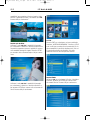
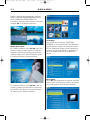
In 9 - picture mode, use to select the
picture you want to copy to the built-in memory,
press OK to enter the single-picture mode, then
press SETUP to enter copy interface, press OK to
confirm.
5. File
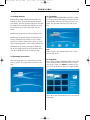
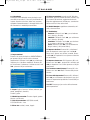
Press EXIT to choose "MEMORY CARD" in the main
menu. Press File, then press OK to access to file
interface. You can browse all the files in the
memory card in this mode, and delete files in builtin memory or external device.
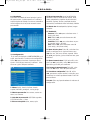
Delete function
Use to select the file you want to delete, then
press SETUP to enter delete interface, press OK to
confirm.
In 9 - picture mode, use to select the picture you want to delete , then press SETUP to enter
delete interface, press OK to confirm.