1
2.1
Level Setting Procedure
Overview
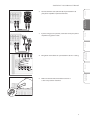
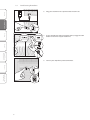
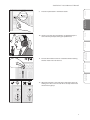
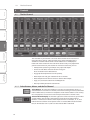
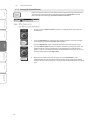
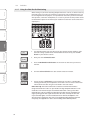
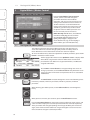
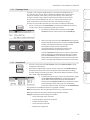
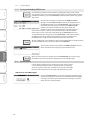
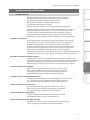
13. Press the Select button on Channel 1 and raise the Channel 1
fader until it reaches “U” (unity gain).
Getting STarted
Started
Getting
Hookup
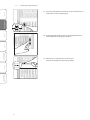
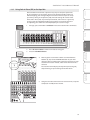
14. Bring up the Main fader until you can comfortably listen to
your microphone through your speakers.
Controls
Digital Effects
Master Control
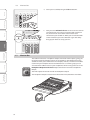
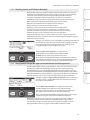
15. With Channel 1 selected, you can use the Fat
Channel to add dynamics processing and EQ.
Resources
Troubleshooting
and Warranty
8