1
Troubleshooting
Print Quality Problems
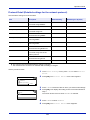
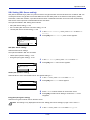
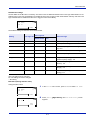
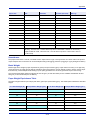
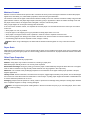
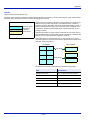
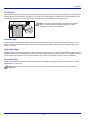
The tables and diagrams in the following sections define print quality problems and the corrective action you can conduct
to solve the problems. Some solutions may require cleaning or replacing parts of the printer.
If the suggested corrective action will not solve the problem, call for service.
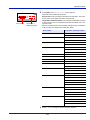
Printed Results
Corrective Action
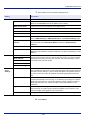
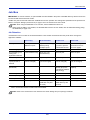
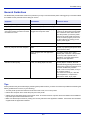
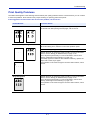
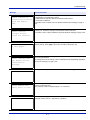
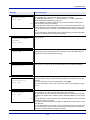
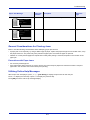
Black or white vertical streaks
The drum unit or developer unit may be damaged. If the problem is
not solved even after printing several pages, call for service.
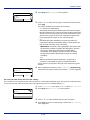
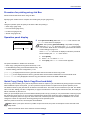
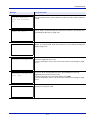
Faint or blurred printing
Check the EcoPrint settings.
When this setting is On, switch it to off on the operation panel.
Make sure the paper type setting is correct the paper being used.
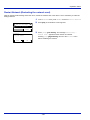
Refresh the drum to restore the printing quality. For more information,
refer to Service Setting (for Maintenance) on page 4-132.
Then, adjust the print density. For more information, refer to Print
Density (Selecting the Print Density) on page 4-51.
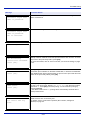
If the damp paper is loaded into the cassette or MP tray, replace the
paper with a newer, dryer paper.
If the problem is not solved using the corrective action above, call for
service.
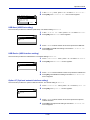
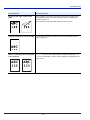
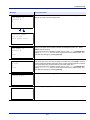
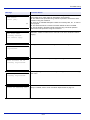
Gray background
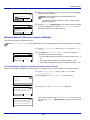
Refresh the drum to restore the printing quality. For more information,
refer to Service Setting (for Maintenance) on page 4-132.
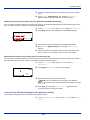
Then, adjust the print density. For more information, refer to Print
Density (Selecting the Print Density) on page 4-51.
If the problem is not solved using the corrective action above, call for
service.
8-3