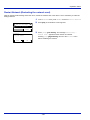
1
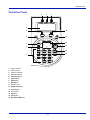
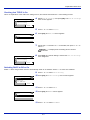
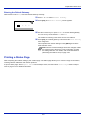
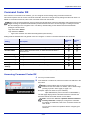
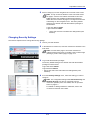
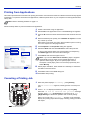
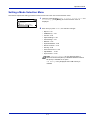
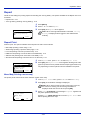
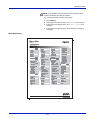
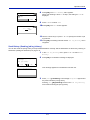
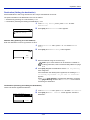
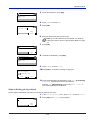
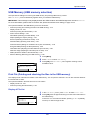
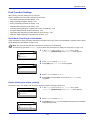
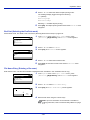
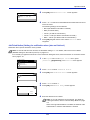
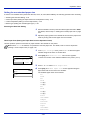
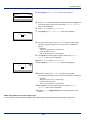
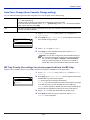
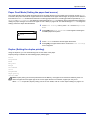
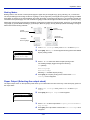
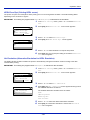
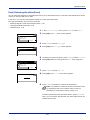
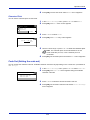
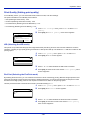
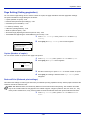
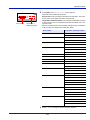
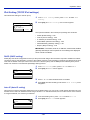
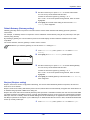
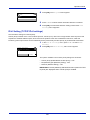
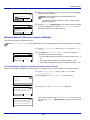
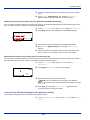
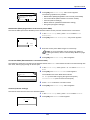
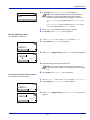
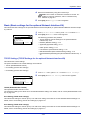
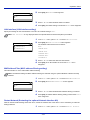
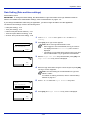
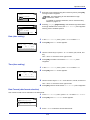
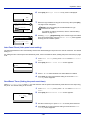
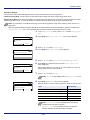
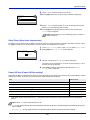
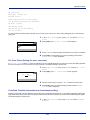
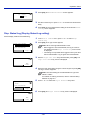
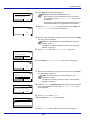
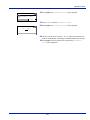
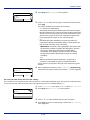
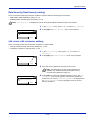
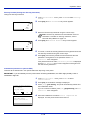
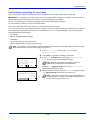
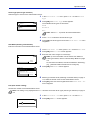
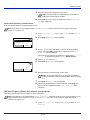
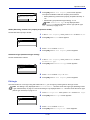
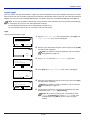
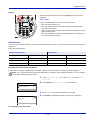
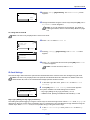
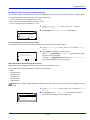
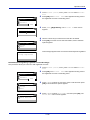
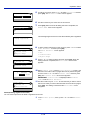
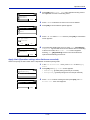
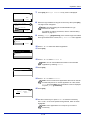
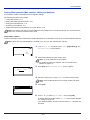
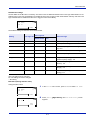
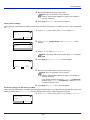
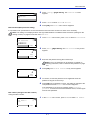
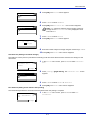
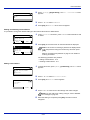
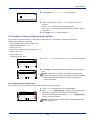
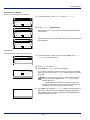
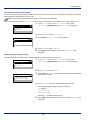
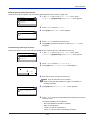
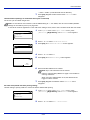
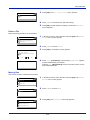
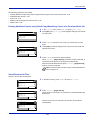
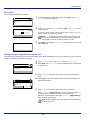
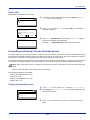
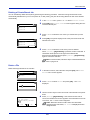
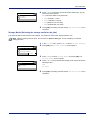
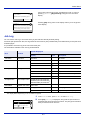
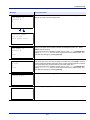
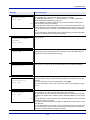
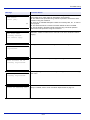
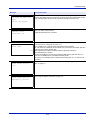
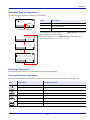
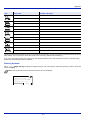
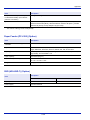
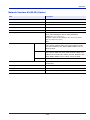
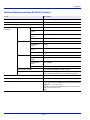
Operation Panel Paper Size: 10 *A4 11 A5-R 12 A6 4 Press [OK]. The Paper Size screen appears listing the paper sizes that can be supplied from the MP tray. The available paper sizes are as follows: Envelope #10 Envelope #9 Envelope #6 Envelope Monarch Envelope DL Envelope C5 Envelope C4 A3 A4-R A4 A5-R A6 B4 B5-R B6 Folio 216x340mm Ledger Letter-R Letter Legal Statement Executive Oficio II 8K 16K ISO B5 Hagaki Oufuku Hagaki Youkei 4 Youkei 2 Custom 5 6 Press or to select the desired paper size. Press [OK]. The paper size for the MP tray is set and the MP Tray Set. menu screen reappears. Media Type (Paper type setting for the MP tray) You can use this to set the paper type that can be supplied from the MP tray. The default setting is PLAIN. For more information about paper types that you can feed from the MP tray, refer to Paper on page A-16. 1 In the Paper Settings menu, press or to select MP Tray Set.. 4-31