1
Understanding the printer menus
182
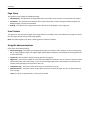
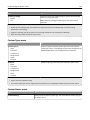
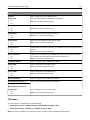
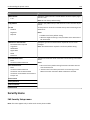
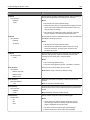
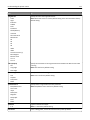
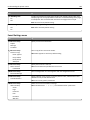
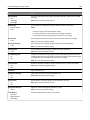
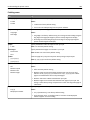
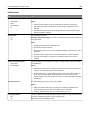
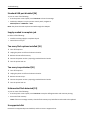
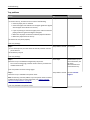
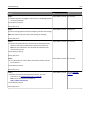
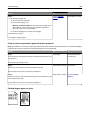
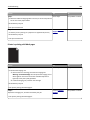
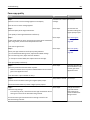
Use
To
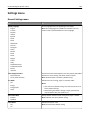
Staple
Off
1 staple
2 staples
4 staples
Specify whether prints are stapled.
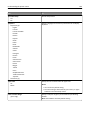
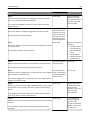
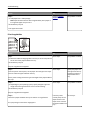
Enable Color Fax Receive
On
Off
Enable the printer to receive fax in color and print it in grayscale.
Notes:
• Off is the factory default setting.
• This menu item appears only when a staple finisher is installed.
Note: On is the factory default setting.
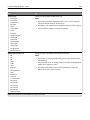
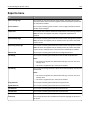
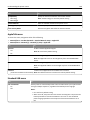
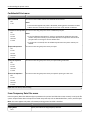
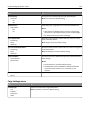
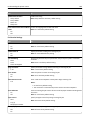
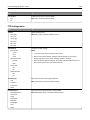
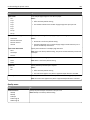
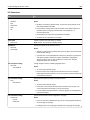
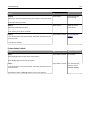
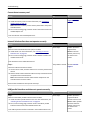
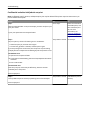
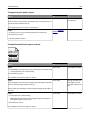
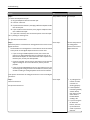
Fax Log Settings
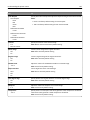
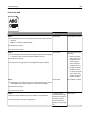
Use
To
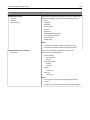
Transmission Log
Print log
Do not print log
Print only for error
Enable printing of a transmission log after each fax job.
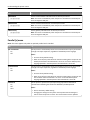
Receive Error Log
Print Never
Print on Error
Enable printing of a received error log.
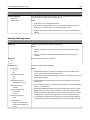
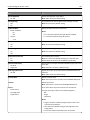
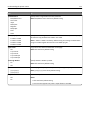
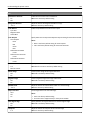
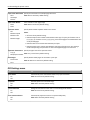
Auto Print Logs
On
Off
Enable automatic printing of fax logs.
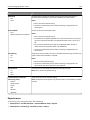
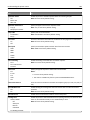
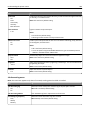
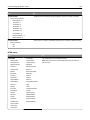
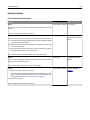
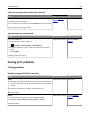
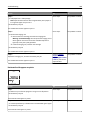
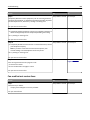
Log Paper Source
Tray [x]
Multipurpose Feeder
Specify the source of the paper used for printing logs.
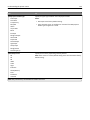
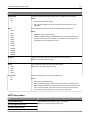
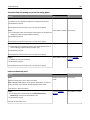
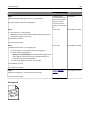
Logs Display
Remote Station Name
Dialed Number
Specify whether printed logs display the dialed number or the station name or fax
name returned.
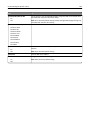
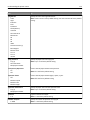
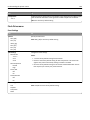
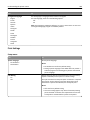
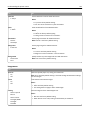
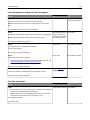
Enable Job Log
On
Off
Enable access to the Fax Job log.
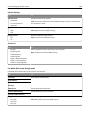
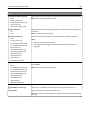
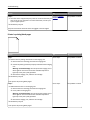
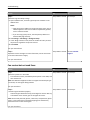
Enable Call Log
On
Off
Enable access to the Fax Call log.
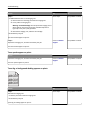
Log Output Bin
Standard Bin
Bin [x]
Specify the bin for the printed fax logs.
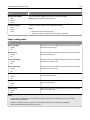
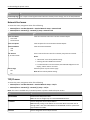
Note: Print log is the factory default setting.
Note: Print Never is the factory default setting.
Notes:
• On is the factory default setting.
• Logs print after every 200 fax jobs.
Note: Tray 1 is the factory default setting.
Note: Remote Station Name is the factory default setting.
Note: On is the factory default setting.
Note: On is the factory default setting.
Note: Standard Bin is the factory default setting.