1
Additional printer setup
47
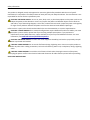
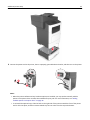
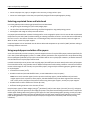
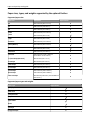
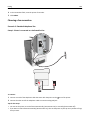
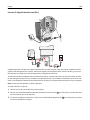
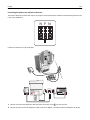
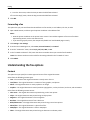
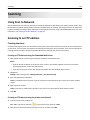
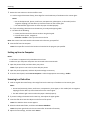
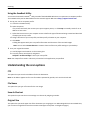
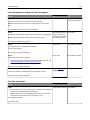
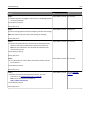
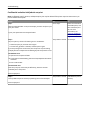
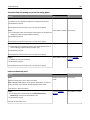
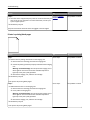
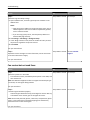
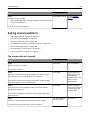
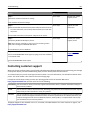
Make sure to match the following:
• The USB symbol on the cable with the USB symbol on the printer
• The appropriate Ethernet cable with the Ethernet port
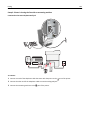
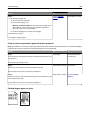
Warning—Potential Damage: Do not touch the USB cable, any network adapter, or the printer in the area shown
while actively printing or scanning. Loss of data or a malfunction can occur.
8
7
6
5
4
3
2
1
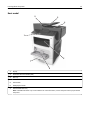
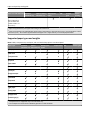
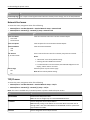
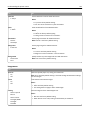
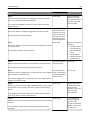
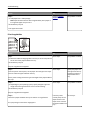
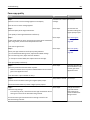
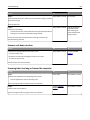
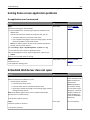
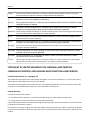
Use the
To
1
Printer power cord
socket
Connect the printer to a properly grounded electrical outlet.
2
Power switch
Turn the printer on or off.
3
Ethernet port
Connect the printer to an Ethernet network.
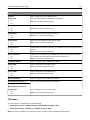
4
EXT port
Connect additional devices (telephone or answering machine) to the printer and the
telephone line. Use this port if you do not have a dedicated fax line for the printer and if this
connection method is supported in your country or region.
Note: Remove the adapter plug to access the port.
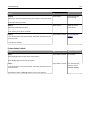
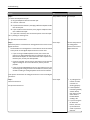
5
LINE port
Connect the printer to an active telephone line through a standard wall jack (RJ‑11), DSL filter,
or VoIP adapter, or any other adapter that allows you to access the telephone line to send
and receive faxes.
6
USB port
Attach a supported printer keyboard.
7
USB printer port
Connect the printer to a computer.
8
Security slot
Attach a lock that will secure the printer in place.