1
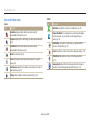
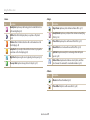
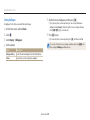
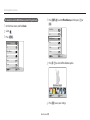
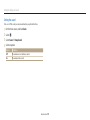
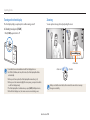
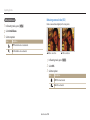
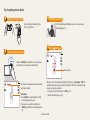
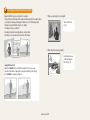
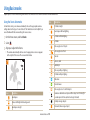
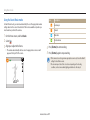
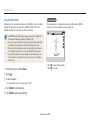
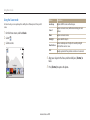
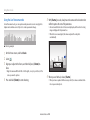
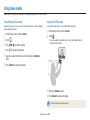
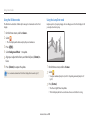
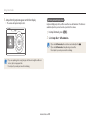
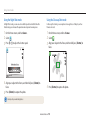
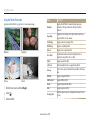
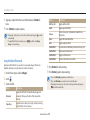
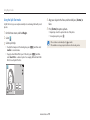
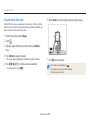
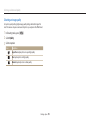
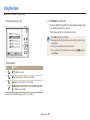
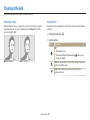
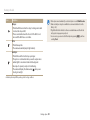
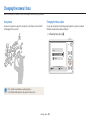
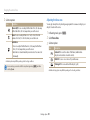
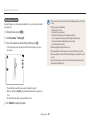
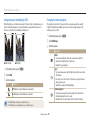
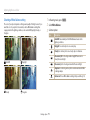
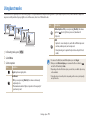
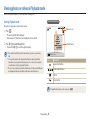
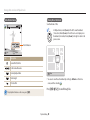
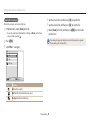
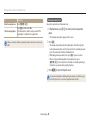
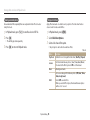
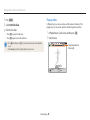
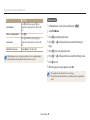
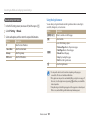
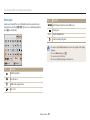
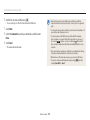
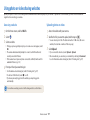
Capturing photos Digital zoom Intelli zoom The Digital zoom is supported by default in Shooting mode. If you zoom in on a subject in Shooting mode and the zoom indicator is in the digital range, your camera is using the Digital zoom. By using both the 5X Optical zoom and 5X Digital zoom, you can zoom in up to 25 times. If the zoom indicator is in the Intelli range, your camera is using the Intelli zoom. Photo resolution varies according to the zoom rate if you use the Intelli zoom. By using both the Optical zoom and Intelli zoom, you can zoom in up to 10 times. Photo resolution when the Intelli zoom is on Optical range Optical range Zoom indicator Zoom indicator Digital range Intelli range Digital zoom is not available with the Tracking AF option. If you capture a photo with the Digital zoom, the photo quality may be lower Intelli zoom is not available with the Tracking AF option. The Intelli zoom helps you capture a photo with less quality deterioration than than normal. the Digital zoom. However, the photo quality may be lower than when you use the Optical zoom. The Intelli zoom is available only when you set a 4:3 resolution ratio. If you set another resolution ratio with Intelli zoom on, the Intelli zoom will be turned off automatically. The Intelli zoom is always on in Smart Auto mode. Basic functions 33