1
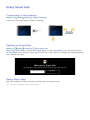
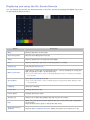
Displaying and using the On-Screen Remote
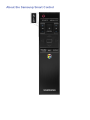
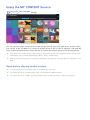
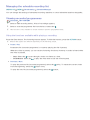
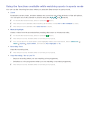
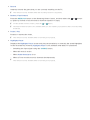
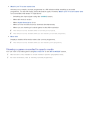
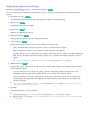
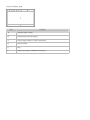
You can display and use the On-Screen Remote on the TV's screen by pressing the MENU/123 button
on the Samsung Smart Control.
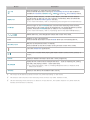
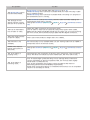
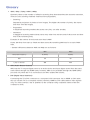
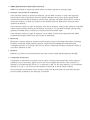
Button
Description
Menu
Displays the menu on the screen.
Voice Recognition
Runs the Voice Recognition function.
Guide
Displays the Electronic Programme Guide (EPG).
Info
Displays information about the current programme or content.
Channel List
Launches the Channel List.
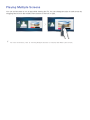
Multi-Link Screen
Splits the TV screen and use multiple functions - such as watching TV, surfing the
web, and playing a video - at the same time.
"" For more information, refer to "Viewing Multiple Screens or Features with MultiLink Screen".
Sports Mode
Turns the Sports Mode on or off.
"" For more information, refer to "Making Sports programmes More Realistic with
Sports Mode".
e-Manual
Opens the e-Manual.
Picture Size
Changes the picture size.
Picture Mode
Changes the picture mode.
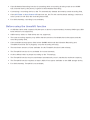
Speaker List
Allows you to select the speakers that will play the TV's audio.
Dual
When you press the Dual button the first time, the current dual mode is displayed
on the screen.
Press the Dual button again to change the dual mode.
Audio Description/
Subtitles
Displays the Accessibility Shortcuts. Select the options to turn them on or off.