1
Editing a Favourites List
(MENU/123)
MENU
Broadcasting
Edit Favourites Try Now
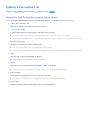
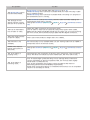
Using the Edit Favourites screen menu items
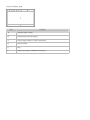
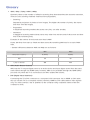
You can access the following options by selecting Options on the Edit Favourites screen.
●● Select All / Deselect All
Selects or deselects all channels saved on the TV.
●● Copy to Favourites
Copies channels from one favourite channels list to another.
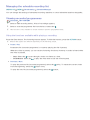
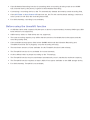
"" For more information, refer to "Copying channels from one favourites list to another."
"" This option is available only if you have registered one or more channels to at least one favourites list.
●● Rename Favourites
Rename an existing favourite channels list.
"" For more information, refer to "Renaming a favourites list."
"" This option is available only if you have registered one or more channels to at least one favourites list.
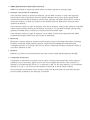
●● Sort
Sort the list ordered by Number or Name.
"" This option is only available for digital channels.
●● Aerial
Allows you to choose between Terrestrial, Cable or Satellite.
"" This function is only available on certain models in specific geographical areas.
●● Edit Channel
Allows you to manage the channels saved on the TV.
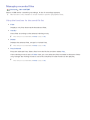
"" For more information, refer to "Registering, Removing, and Editing Channels."
●● Information
Displays detailed information about the current programme.