1
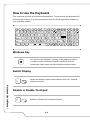
How to Use the Keyboard..............................................................................................3-8
Windows Key..............................................................................................................3-8
Switch Display............................................................................................................3-8
Disable or Enable Touchpad ....................................................................................3-8
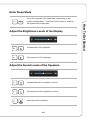
Enter Sleep Mode.......................................................................................................3-9
Adjust the Sound Levels of the Speakers.................................................................3-9
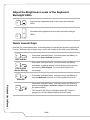
Adjust the Brightness Levels of the Keyboard Backlight LEDs............................. 3-10
Quick Launch Keys.................................................................................................. 3-10
What is Touchpad ........................................................................................................ 3-12
What is Hard Disk Drive............................................................................................... 3-13
What is Solid State Drive............................................................................................. 3-13
How to Use Optical Disc Drive.................................................................................... 3-14
How to Connect the Internet........................................................................................ 3-15
Wireless LAN............................................................................................................ 3-15
Wired LAN................................................................................................................ 3-17
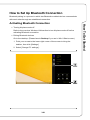
How to Set Up Bluetooth Connection.........................................................................3-21
Activating Bluetooth Connection.............................................................................3-21
How to Connect External Devices..............................................................................3-23
How to Use Multiple Monitors......................................................................................3-24
How to Use RAID Function..........................................................................................3-25
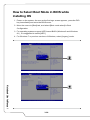
How to Select Boot Mode in BIOS while installing OS..............................................3-26
Where Are Key Components.......................................................................................3-27
1-3
Preface
Adjust the Brightness Levels of the Display.............................................................3-9