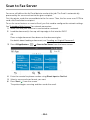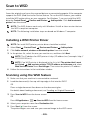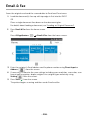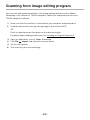
1
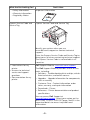
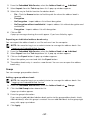
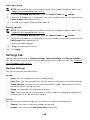
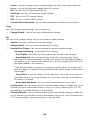
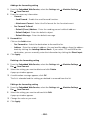
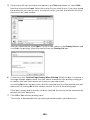
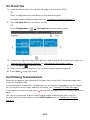
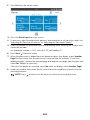
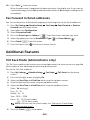
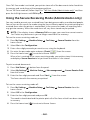
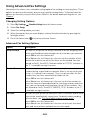
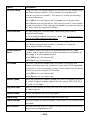
10 Press Start ( ) from the screen. When the document is loaded on the document glass, the display asks if you want to send another page. Select Yes to add more documents or No to begin sending the fax immediately. Fax Forward to Email addresses You can set the printer to forward all outgoing or incoming faxes to the Email addresses. 1 Press My Settings Machine Setup Forward from the home screen. 2 Select On in the Configuration. 3 Select Forward to Email. 4 Press the Direct Input or Address ( Fax Setup Send Forward or Receive ) from the screen and input you want. 5 Select the option you want at Attachment Type ( 6 Press Check( 7 Press the home icon ( ) or From Address( ). ) from the screen. ) to return to Home Screen. Additional Features Toll Save Mode (Administrator only) The Toll Save mode can be used to save scanned documents for transmission at a specified time in order to take advantage of lower long distance rates. To turn the Toll Save mode on: 1 Press My Settings screen. Machine Setup Fax Setup Toll Save from the home 2 Press the left/right arrows to display On. 3 Select the Start Date and End Date each using the up/down arrows. 4 Enter the date and time each using the up/down arrows. 5 Select the Start Time and End Time each using the up/down arrows. Date= “dd/mm/yyyy” Day= 01 ~ 31 Month= 01 ~ 12 Year= 2000 ~ 2036 Hour= 01 ~ 12 (12-hour mode) 00 ~ 23 (24-hour mode) NOTE: You can sets the clock mode, See "Setting the Clock Mode (Administrator only)". 6 Press the Check( ) to complete. - 261