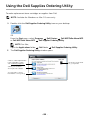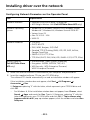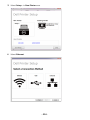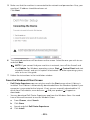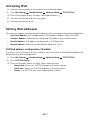
1
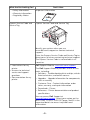
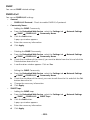
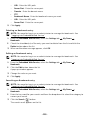
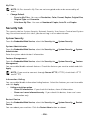
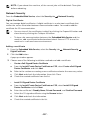
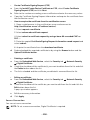
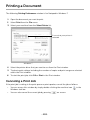
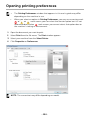
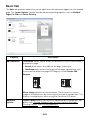
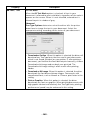
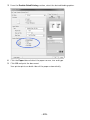
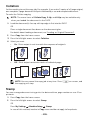
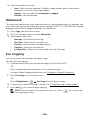
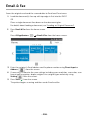
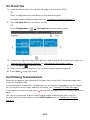
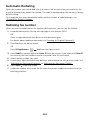
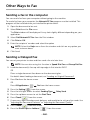
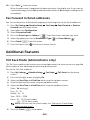
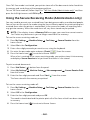
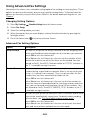
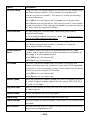
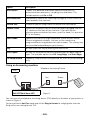
Other Ways to Fax Sending a fax in the computer You can send a fax from your computer without going to the machine. To send a fax from your computer, the Network PC Fax program must be installed. This program will be installed when you installed the printer driver. 1 Open the document to be sent. 2 Select Print from the File menu. The Print window will be displayed. It may look slightly different depending on your application. 3 Select Dell Network PC Fax from the Print window 4 Click Print or OK. 5 Enter the recipients’ numbers and select the option NOTE: Select the Help menu from the window and click on any option you want to know about. 6 Click Send. Sending a Delayed Fax You can set your printer to store and then send a fax at a later time. NOTE: You can also using this function in Speed Dial Fax and Group Dial Fax. 1 Load the document(s) face up with top edge in first into the DADF. OR Place a single document face down on the document glass. For details about loading a document, see "Loading an Original Document". 2 Press Fax from the home screen. OR Press All Applicatons ( ) Fax from the home screen. 3 Press the Setting( 4 Press the left/right arrows to select Sending Type 5 Press the up/down arrows to set the Start Time. 6 Press Check( 7 If necessary, adjust the document darkness and resolution to suit your fax needs. See "Adjusting the Document Darkness" or "Adjusting the Document Quality" 8 Press Check( 9 Press the Direct Input or Address ( ) from the screen. Delay Send. ) from the screen. ) from the screen. ) from the screen. - 260