1
Natec Genesis GX55
2
IV. Mouse configuration
A. Main Control
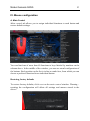
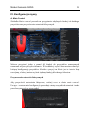
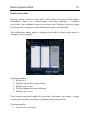
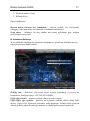
Main control tab allows you to assign individual functions to each button and
restore default settings.
You can bind one of more than 40 functions to keys labeled by numbers on the
schema above. In the middle of the window, you can see actual configuration of
the buttons. Each position on the list is in fact a combo box, from which you can
choose a preferred function for an individual button.
Restoring factory defaults
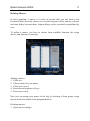
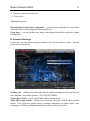
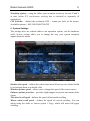
To restore factory defaults, click reset on the main control window. Warning –
resetting the configuration will delete all settings and macros stored in the
driver!