1
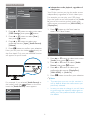
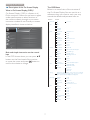
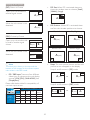
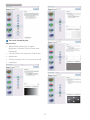
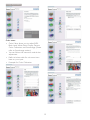
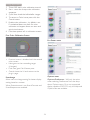
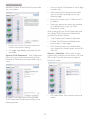
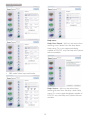
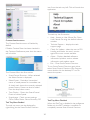
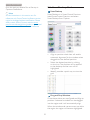
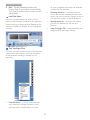
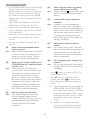
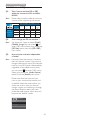
3. Image Optimization available. All other SmartControl Premium tabs are not available. User can enter PIN between 4 and 9 digits numbers only. After entering PIN, Accept button takes user to the pop-up dialog box on the following page. Minimum minutes set to 5. Slider set to 5 by default. Does not require the display be attached to a different host to go into Theft Deterrence mode. After creating PIN, the Theft Deterrence pane will indicate Theft Deterrence Enabled and provide PIN Options button: Theft Deterrence Enabled is displayed. Disable Theft Deterrence Mode opens pane screen on next page. Display the Source instruction pane and current input source setting. PIN Options button only available after user creates PIN, button opens secure PIN web site. Options > MultiView - Allow users to view content from multiple sources when in PIP and PBP mode. Click the red button to select a MultiView mode. On single input displays, this pane will not be visible. Options>Theft Deterrence - Theft Deterrence Pane will only be active when selecting Theft Deterrence Mode from the drop-down Plug-in menu. PIP mode Select Size, Location, Input, and Audio. To enable Theft Deterrence, clicking Enable Theft Deterrence Mode button brings up the following screen: 18