1
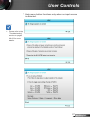
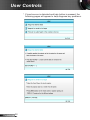
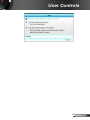
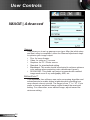
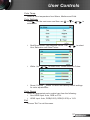
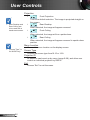
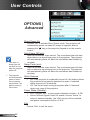
User Controls SETUP | Advanced Logo For a successful logo capture, ensure that the on-screen image does not exceed the projector native resolution. (1080p: 1920 x 1080). Use this function to set the desired startup screen. If changes are made they will take effect the next time the projector is powered on. `` Default: The default startup screen. `` Neutral: Logo is not displayed on startup screen. Logo Capture Press screen. to capture an image of the picture currently displayed on Closed Captioning Closed Captioning is a text version of the program sound or other information displayed on the screen. If the input signal contains closed captions, you can turn on the feature and watch the channels. Press or to select Off, CCI, or CC2. Wireless Choose the “On” or “Off” to turn on or off the wireless function. Exit Choose “Exit” to exit the menu. 51 English