1
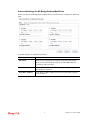
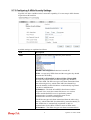
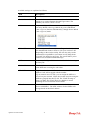
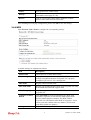
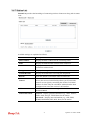
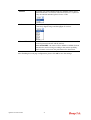
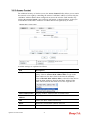
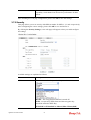
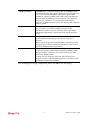
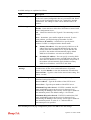
the radio using the key, which either PSK (Pre-Shared Key)
entered manually in this field below or automatically negotiated
via 802.1x authentication.
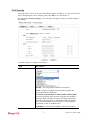
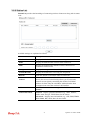
WPA2/802.1x - The WPA encrypts each frame transmitted from
the radio using the key, which either PSK (Pre-Shared Key)
entered manually in this field below or automatically negotiated
via 802.1x authentication.
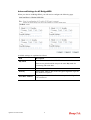
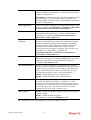
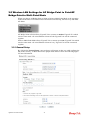
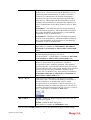
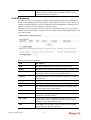
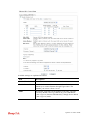
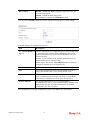
WPA Algorithm
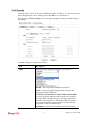
Select TKIP, AES or TKIP/AES as the algorithm for WPA. Such
feature is available for WPA2/802.1x, WPA/802.1x, WPA/PSK
or WPA2/PSK or Mixed (WPA+WPA2)/PSK mode.
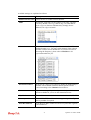
Pass Phrase
Either 8~63 ASCII characters, such as 012345678..(or 64
Hexadecimal digits leading by 0x, such as "0x321253abcde...").
Such feature is available for WPA/PSK or WPA2/PSK or
Mixed (WPA+WPA2)/PSK mode.
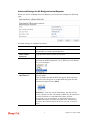
Key Renewal
Internal
WPA uses shared key for authentication to the network.
However, normal network operations use a different encryption
key that is randomly generated. This randomly generated key
that is periodically replaced. Enter the renewal security time
(seconds) in the column. Smaller interval leads to greater
security but lower performance. Default is 3600 seconds. Set 0
to disable re-key. Such feature is available for
WPA2/802.1,WPA/802.1x, WPA/PSK or WPA2/PSK or
Mixed (WPA+WPA2)/PSK mode.
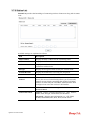
PMK Cache Period
Set the expire time of WPA2 PMK (Pairwise master key) cache.
PMK Cache manages the list from the BSSIDs in the associated
SSID with which it has pre-authenticated. Such feature is
available for WPA2/802.1 mode.
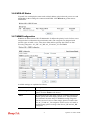
Pre-Authentication
Enables a station to authenticate to multiple APs for roaming
securer and faster. With the pre-authentication procedure defined
in IEEE 802.11i specification, the pre-four-way-handshake can
reduce handoff delay perceivable by a mobile node. It makes
roaming faster and more secure. (Only valid in WPA2)
Enable - Enable IEEE 802.1X Pre-Authentication.
Disable - Disable IEEE 802.1X Pre-Authentication.
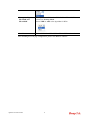
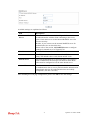
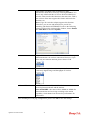
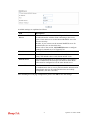
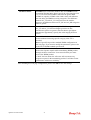
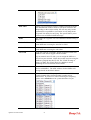
Key 1 – Key 4
Four keys can be entered here, but only one key can be selected
at a time. The format of WEP Key is restricted to 5 ASCII
characters or 10 hexadecimal values in 64-bit encryption level,
or restricted to 13 ASCII characters or 26 hexadecimal values in
128-bit encryption level. The allowed content is the ASCII
characters from 33(!) to 126(~) except '#' and ','.
802.1x WEP
Disable - Disable the WEP Encryption. Data sent to the AP will
not be encrypted.
Enable - Enable the WEP Encryption.
Such feature is available for WEP/802.1x mode.
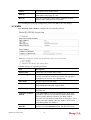
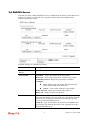
After finishing this web page configuration, please click Next to continue.
VigorAP 710 User’s Guide
20