1
Installing the Finger-Print Reader Board
1.
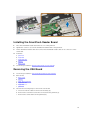
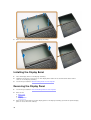
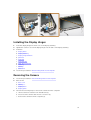
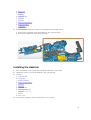
Insert the finger-print reader board into its place on the palmrest.
2.
Connect the finger-print reader cable to the finger-print reader board.
3.
Place the metal bracket on the finger-print reader board and tighten the screw to secure the fingerprint reader board.
4.
Install the:
a.
b.
c.
d.
e.
5.
keyboard trim
keyboard
palmrest
battery
base cover
Follow the procedures in After Working Inside Your Computer.
Removing the LED Board
1.
Follow the procedures in Before Working Inside Your Computer.
2.
Remove the:
a.
b.
c.
d.
e.
3.
base cover
battery
keyboard trim
keyboard
palmrest
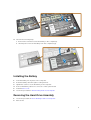
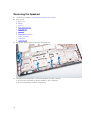
Perform the following steps to remove the LED board:
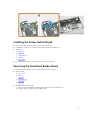
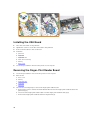
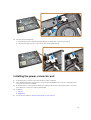
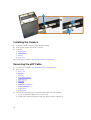
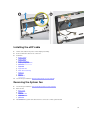
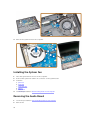
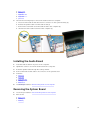
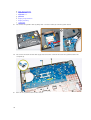
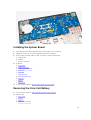
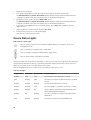
a. Disconnect the LED-board cable from its connector on the LED board [1] [2].
b. Remove the screw that secures the LED board to the palmrest [3].
c. Remove the LED board from the palmrest [4].
21