1
Using the Movie mode
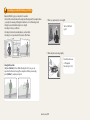
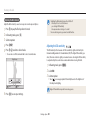
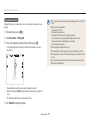
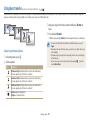
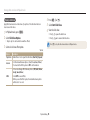
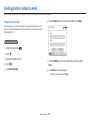
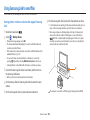
Recording high-speed videos
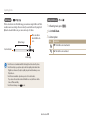
You can record high-speed videos by setting frame rates. High-speed videos will be
played in slow motion at 30 FPS.
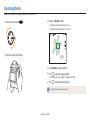
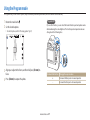
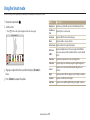
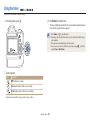
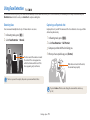
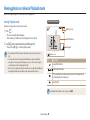
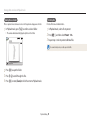
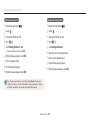
1 Rotate the mode dial to
.
• You can record a high-speed video only in
mode.
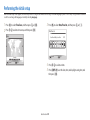
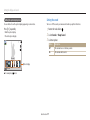
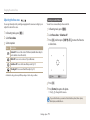
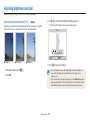
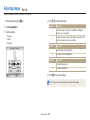
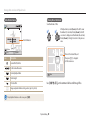
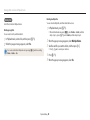
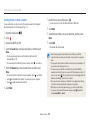
2 Press [m] and then select Movie Size.
3 Select an option.
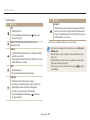
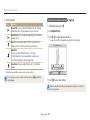
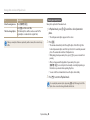
Icon
Description
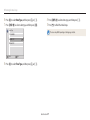
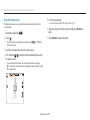
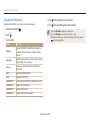
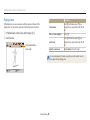
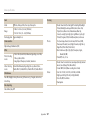
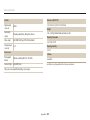
240 fps: Record 240 frames per second (for up to 10 seconds).
360 fps: Record 360 frames per second (for up to 10 seconds).
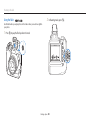
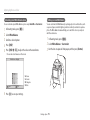
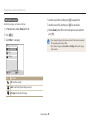
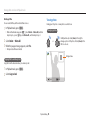
4 Press
5 Press
(Video recording) to start recording.
(Video recording) again to stop recording.
Extended functions 59
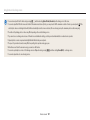
• Memory cards with slow write speeds do not support high-speed videos.
• The camera does not record audio when recording high-speed videos.
• The image quality of high-speed video may be lower than normal speed video.