1
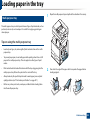
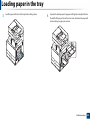
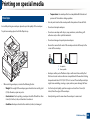
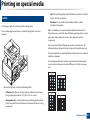
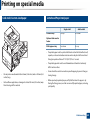
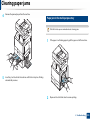
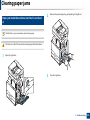
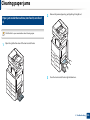
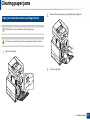
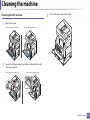
Tips for avoiding paper jams
By selecting the correct media types, most paper jams can be avoided. When a
paper jam occurs, refer to the next guidelines.
•
Ensure that the adjustable guides are positioned correctly (see "Loading
paper in the tray" on page 48).
Do not overload the tray. Ensure that the paper level is below the paper
capacity mark on the inside of the tray.
•
Do not remove paper from the tray while your machine is printing.
•
Flex, fan, and straighten paper before loading.
•
Do not use creased, damp, or highly curled paper.
•
Do not mix paper types in a tray.
•
Use only recommended print media (see "Tray Settings" on page 62).
•
Ensure that the recommended side of the print media is facing up in the tray,
or facing down in the multi-purpose tray.
9. Troubleshooting
209