1
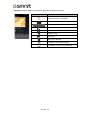
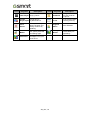
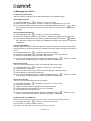
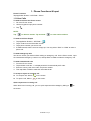
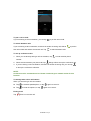
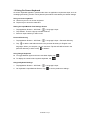
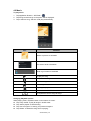
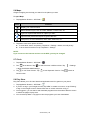
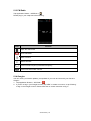
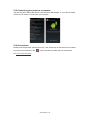
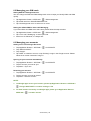
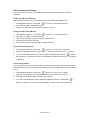
1.2 Video Calls To make a video call from Phone screen 1. Go to the Phone screen. 2. Use the keypad to input phone number. 3. Then tap > Video Call to make the video call. To make a video call from People 1. Tap Application Drawer > APPS tab > 2. On 3. Tap . tab, tap a contact into information screen. to make the video call. Ending a video call Tap End icon to end a video call. To manage other video call features When you are having a video call conversation Tap to activate speakerphone, or tap Tap to mute microphone, or tap Tap again to cancel it. again to un-mute it. to switch the video windows. Android 4.4 | 4