1
Use_cases_English.qxd
20-10-2005
16:51
Pagina 17
Capturing Digital Video
EN
Capturing Digital Video
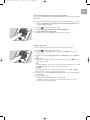
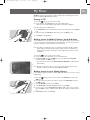
To capture your own digital video camera recordings, you have to connect your
digital video camera to the Media Center using the:
FIREWIRE (IEEE1394 / i.LINK) connector (16) OR the USB 2.0 connector (15)
on the front of the Media Center.
See ‘Connecting a video camera (or other portable external source)’ in the quick
install guide.
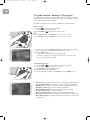
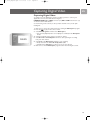
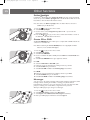
1 Make sure to connect the camera first before starting the DV Capture program.
2 Press the
key (8) on the remote control.
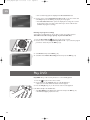
3 Select More Programs and then select DV Capture.
4
5
6
7
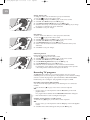
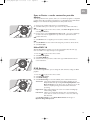
> Your camera’s playback functions can completely be controlled from the DV Capture
window.
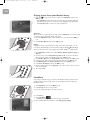
Select the beginning of the sequence you want to capture.
Select Record in the DV Capture window to start capturing the recording
from your video camera.
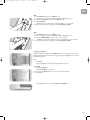
Select Stop in the DV Capture window to stop capturing.
> The file is stored in the Windows® XP My Videos folder.
> In Media Center’s My Videos, you have access to your new video file.
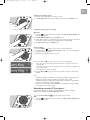
Make sure to exit the DV Capture program before disconnecting the camera.
17