1
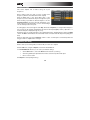
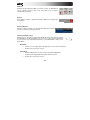
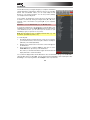
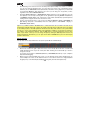
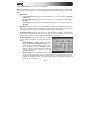
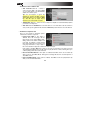
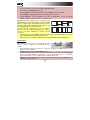
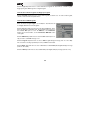
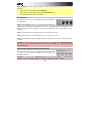
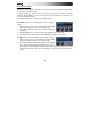
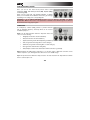
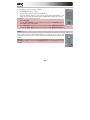
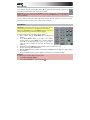
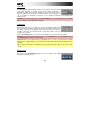
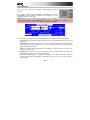
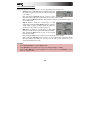
Click the Swing field to change the groove of your Sequence. Values range from 50% to 75% and let you
"shuffle" your beats—from subtle to extreme.
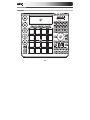
Hardware: Press F1 (T.C) to locate the Swing parameter. It can be changed by using the Data Dial or
the -/+ buttons to set the desired value.
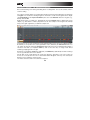
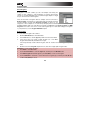
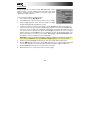
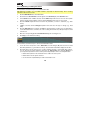
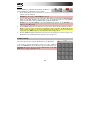
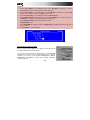
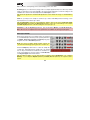
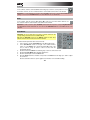
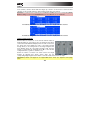
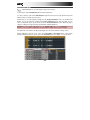
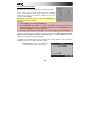
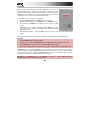
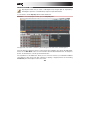
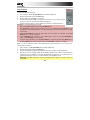
Track Section
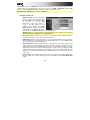
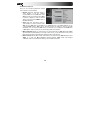
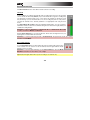
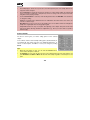
This section gives you an overview of various parameters regarding the
selected Track.
In the software, click the Track drop-down menu and select the desired
Track.
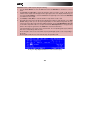
Hardware: Use the Cursor Buttons to select the Trk field, and use the
Data Dial or the -/+ buttons to select the desired Track. You can also
press F3 (Track-) or F4 (Track+) to switch to the desired Track or type in the number with the number
keys.
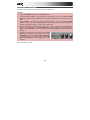
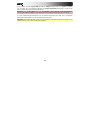
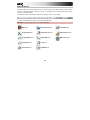
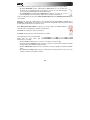
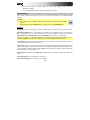
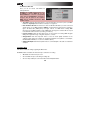
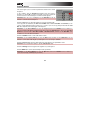
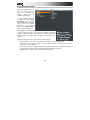
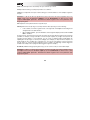
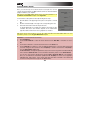
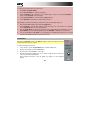
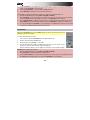
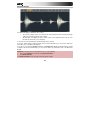
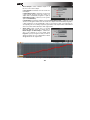
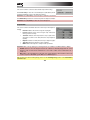
In the upper-right corner of the Track section, an icon will indicate
whether the Track is using a Drum Program, Keygroup Program, MIDI
Program, or Plugin Program.
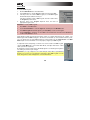
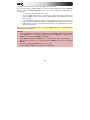
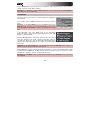
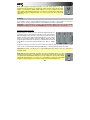
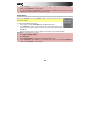
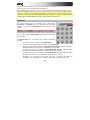
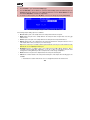
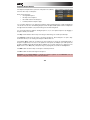
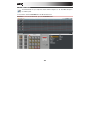
Click the Velocity display to change the overall velocity of the selected
Track. This determines how loudly or quietly a Track plays relative its
recorded levels. When set to 50%, the Track will be played with half the
velocity it was originally played. When set to 200%, the Track will play twice as loud, up to a full velocity
level of 127.
Hardware: Use the Cursor Buttons to select the V% field, and use the Data Dial or the -/+ buttons to
edit the overall velocity of the selected Track in percent.
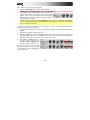
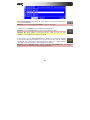
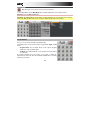
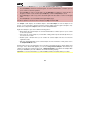
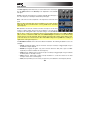
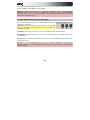
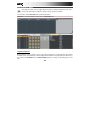
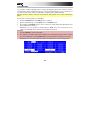
Click the M button to mute the selected Track. Click the S button to solo the selected Track. When a Solo
is activated from the Main page, the Solo function follows the current Track. In other words, if you have
soloed Track 1, and turn to Track 2, now Track 2 will be soloed.
Hardware: Press F5 (Mute), to mute or unmute the selected Track. Press F6 (Solo) to solo or unsolo the
selected Track.
88