1
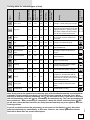
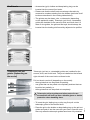
Lower heater and fan
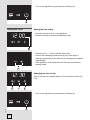
With this operation mode, the lower heater and the fan operate
simultaneously. Used for baking low leavened dough and
preserving fruit and vegetables. Use the first shelf position from
the bottom and shallow rather than deep baking trays to allow
the warm air circulate around the upper side of the dish as well.
Preset temperature 160°C.
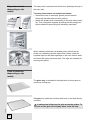
Lower heater / Aqua Clean
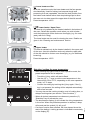
The heat is only radiated by the heater installed in the bottom of
the oven. Select this operation mode when you wish to bake /
cook the bottom side of the dish more thoroughly (e.g. for moist
pastry with fruit fi lling).
The lower heater can be used for cleaning the oven. Details are
given in the “Cleaning and maintenance” section.
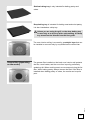
Upper heater
The heat is radiated only by the heater installed in the upper wall
of the oven. Use this operation mode only when the upper side
of the dish should be cooker more thoroughly (e.g. for additional
browning).
Preset temperature 150°C.
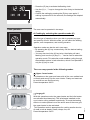
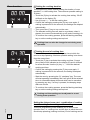
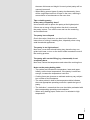
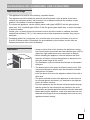
• After selecting thy type of food or oven operation mode, the
preset temperature can be adjusted.
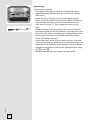
- Touch the (I) key, which will start to flash.
- Use the (H) “+, -” keys to set the oven temperature in the
interval from 30 to 275°C, depending on the oven operation
mode, in 5°C steps.
- Confirm the setting by touching the (I) key again; if the (I)
key is not pressed, the setting will be adopted automatically
after a few seconds.
• You may also set the cooking duration, end of cooking time, or
delayed cooking start (see section “Timer functions”).
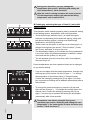
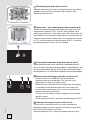
• When all desired parameters have been set, press the (C)
“Start/stop” key to activate the oven.
• The temperature display (I) will indicate the rising temperature
in the oven. When the preset temperature is reached, a beep
will sound and the symbol (I1) will go off.
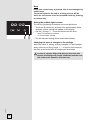
• If no timer function was selected, the time elapsed since the
start of the baking / cooking process is indicated incrementally
on the display (D).
11
243912
Selecting / setting the oven temperature