1
6
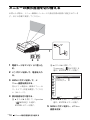
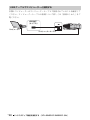
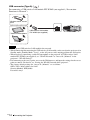
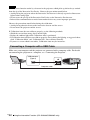
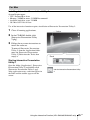
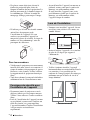
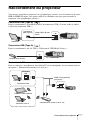
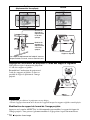
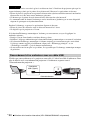
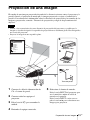
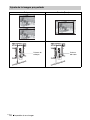
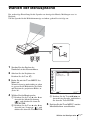
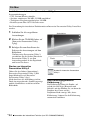
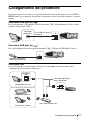
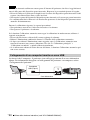
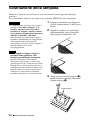
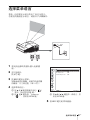
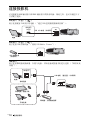
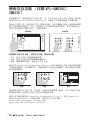
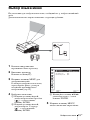
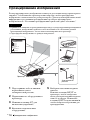
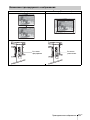
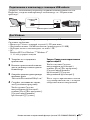
When projecting a computer image,
switch your computer’s output to
external display.
The method to switch the output varies
depending on the type of computer.
(Example)
+
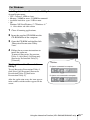
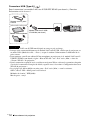
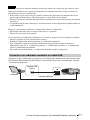
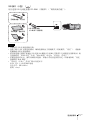
To project image files stored in a USB
memory device, see “USB Media
Viewer”. To play video and audio using
USB Connection, see “Playing Video
and Audio using USB Connection”. To
use Presentation Function via Network,
see “Presentation Function via
Network”.
7
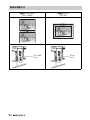
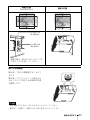
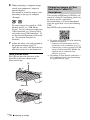
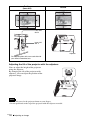
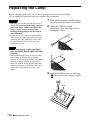
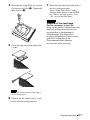
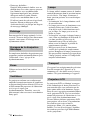
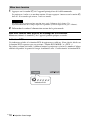
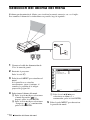
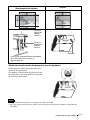
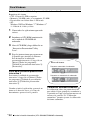
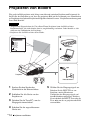
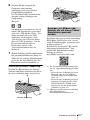
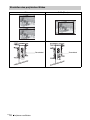
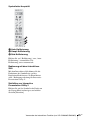
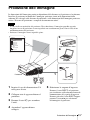
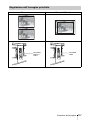
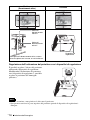
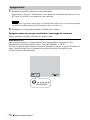
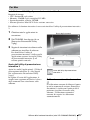
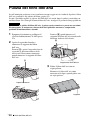
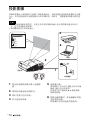
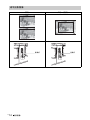
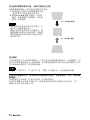
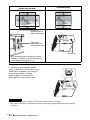
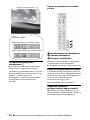
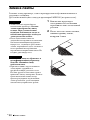
Adjust the focus, size and position of
the projected image (page 17).
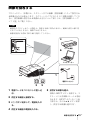
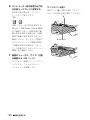
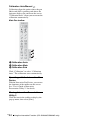
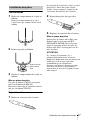
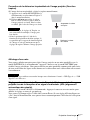
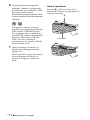
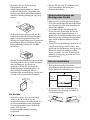
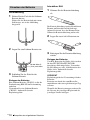
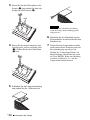
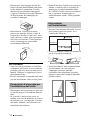
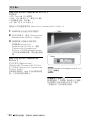
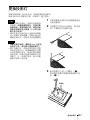
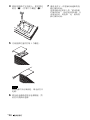
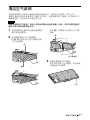
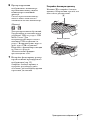
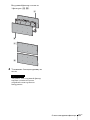
Open the side cover, and adjust the lens
shift dials, focus lever and zoom lever.
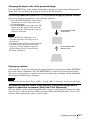
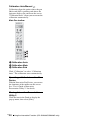
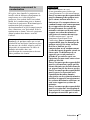
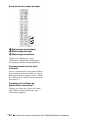
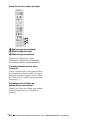
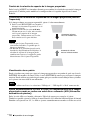
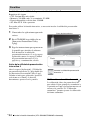
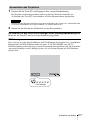
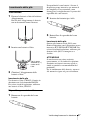
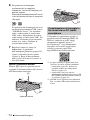
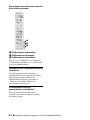
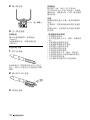
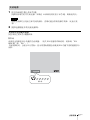
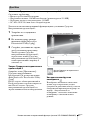
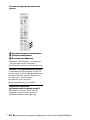
Open the side cover
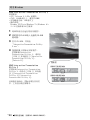
Press A and open the side cover in the
direction of the arrow shown on the
illustration below.
A
Side cover
GB
16
Projecting an Image
Displaying Images or Files
Sent from a Tablet PC/
Smartphone
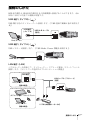
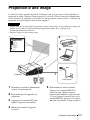
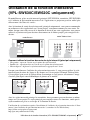
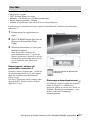
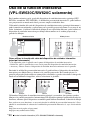
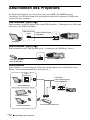
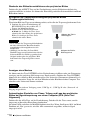
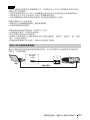
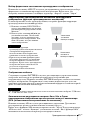
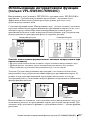
You can project JPEG images, PDF files, etc.
stored in a tablet PC/smartphone wirelessly
by using a specific application.*1
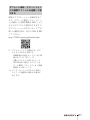
For downloading*2 or detailed method of
using the application, access the following
URL.
http://PWPresenter.pixelworks.com
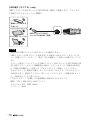
*1: To use the application, one of the following
conditions is required.
• Connected to network where wireless
connection can be established (page 13).
• Connected to a wireless network via USB
wireless LAN module IFU-WLM3 (not
supplied) that is connected to the
projector (page 14).
*2: Depending on your Internet connection, a
data communication fee for downloading
the application may apply.