1
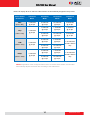
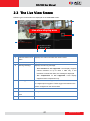
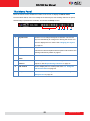
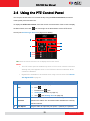
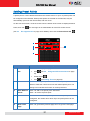
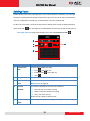
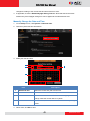
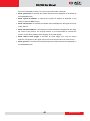
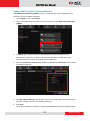
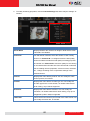
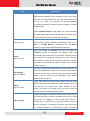
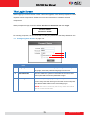
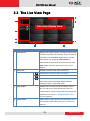
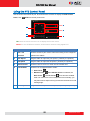
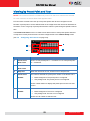
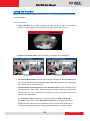
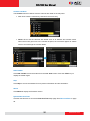
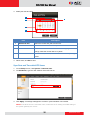
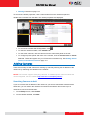
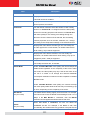
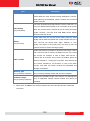
ECD-1000 User Manual Item Description 4 Tilt Speed Drag the slider to adjust the tilt speed; 1 (slowest) to 5 (fastest). 5 Zoom Speed Drag the slider to adjust the zoom speed; 1 (slowest) to 5 (fastest). 6 Zoom Control Click the icons to zoom in or zoom out the camera view. 7 Focus Mode Click the icon to toggle between modes: Auto Focus Manual Focus Near Focus : When Manual Focus is selected, the and Far Focus icons become enabled. Click one of the focus icons to adjust the focus manually; you may also need to adjust zoom (6) to achieve the best focus and viewing angle. 36 www.acti.com