1
1.2.1 Function description
Channel section
Press the CH+/CH- to move one place up/down the
channel Program’s selection can be obtain also by using
the up and down arrows (CH+/CH-)
Channels can be obtain also by entering the channel
number by using the number key (example 10, then the
channel will switch to channel 10)
Press swap button to switch back to the previous channel
Press swap button again to go back to the current
channel that you are watching
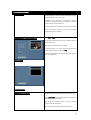
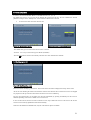
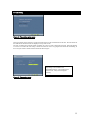
Selecting channel fr om the channel list
Press OK or LIST while in TV mode
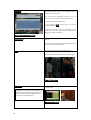
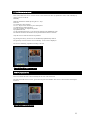
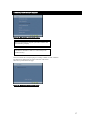
To obtain the radio list just press the TV/Radio while in
the TV list screen
The current list of channel is then display
Using the up/down
arrows select the channel that is
required and confirm it by pressing OK.
Once the channel has been displayed press OK again to
close the channel list.
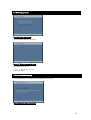
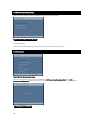
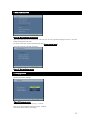
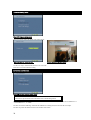
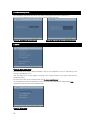
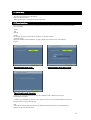
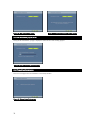
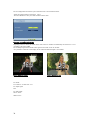
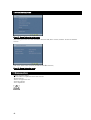
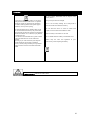
Figure1:TVlist
Figure2:Radio list
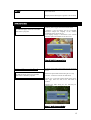
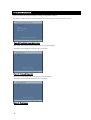
Selection of a favor ites list
It is possible to select your favorite channel from the
channel available and collect them in a list of favorites.
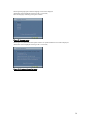
Press PRF+/PRF- (for Favorite channels use) buttons to
move between the favorites list.
The DVB tuner always switch to the last program
selected from the favorite list
If no favorite list the PRF+ /PRF- has no function
13