1
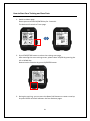
How to Start Your Training and Save Data
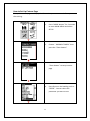
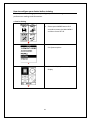
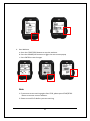
1. Switch to Menu page
Please press and hold OK/ENTER key for 2 seconds.
The device will switch to Timer page.
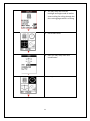
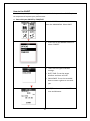
2. Press START/STOP button to select the training start page.
After entering the start training screen, please select YES/NO by pressing the
UP or DOWN key.
Determine the selection by press OK/ENTER button.
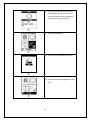
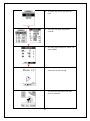
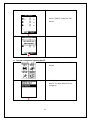
3. During the training, you can press the Down/LAP button to create a new lap
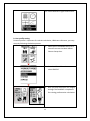
Or press ENTER to switch between the four workout pages.
21