1
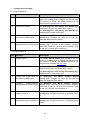
11.3.2 Event Config
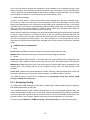
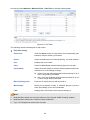
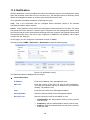
On this page, you can configure the RMON events.
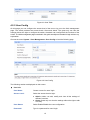
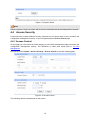
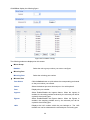
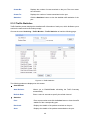
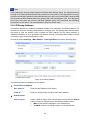
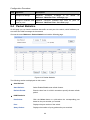
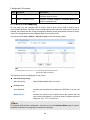
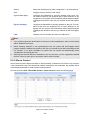
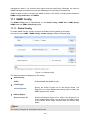
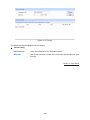
Choose the menu SNMP→RMON→Event Config to load the following page.
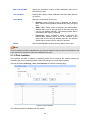
Figure 11-10 Event Config
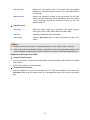
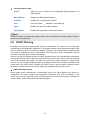
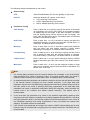
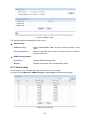
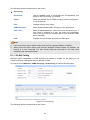
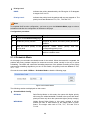
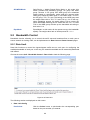
The following entries are displayed on this screen:
¾
Event Table
Select:
Select the desired entry for configuration.
Index:
Displays the index number of the entry.
User:
Enter the name of the User or the community to which the
event belongs.
Description:
Give a description to the event for identification.
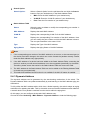
Type:
Select the event type, which determines the act way of the
network device in response to an event.
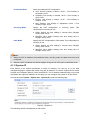
•
None: No processing.
•
Log: Logging the event.
•
Notify: Sending trap messages to the management station.
•
Log&Notify: Logging the event and sending trap messages
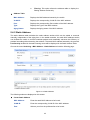
to the management station.
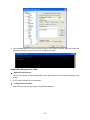
Owner:
Enter the name of the device or user that defined the entry.
Status:
Select Enable/Disable the corresponding event entry.
11.3.3 Alarm Config
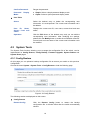
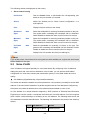
On this page, you can configure Statistic Group and Alarm Group for RMON.
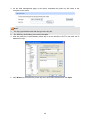
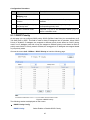
Choose the menu SNMP→RMON→Alarm Config to load the following page.
129