1
Firmware User’s Manual V6.08.30
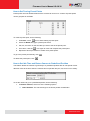
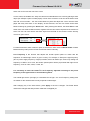
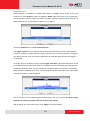
b. How to Set the Home Position on page 25.
c.
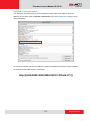
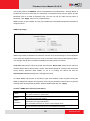
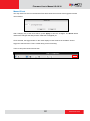
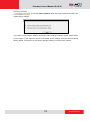
Preset point name: The camera will go to the preset point which is already
configured (see How to Set Touring Preset Points).
d. DISABLE: To disable this functiion.
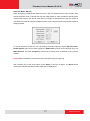
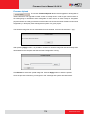
2. On Idle Time, type the duration of time (seconds) wherein the camera is considered idle.
27
www.acti.com