1
Firmware User’s Manual V6.08.30
Privacy Mask Setup
Privacy Mask is not aailable on zoom and PT(Z) cameras under the E and B camera series. For
Privacy Mask setup of PTZ / speed dome cameras under the I9x series, see Privacy Mask
Setup of PTZ Cameras on page 81.
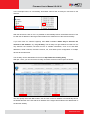
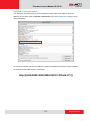
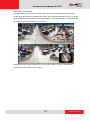
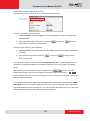
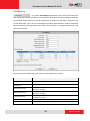
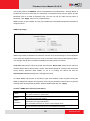
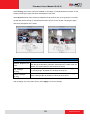
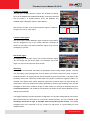
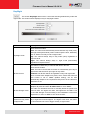
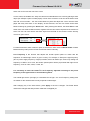
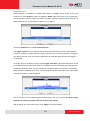
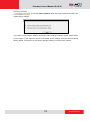
It is possible to set up up to 4 regions of privacy masks. The adjustment of the privacy mask
region can be done when region is checked under “Setup“ column.
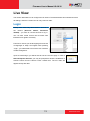
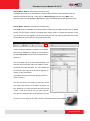
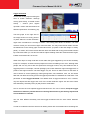
You may resize and drag the region the
same way as the motion detection
regions: upper bar that contains the
number of the region can be used for
dragging the region across the video
while the white box at the right lower
corner of the privacy mask region can be
used for resizing the region.
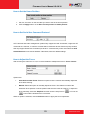
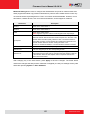
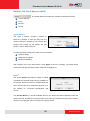
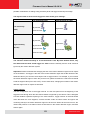
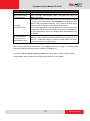
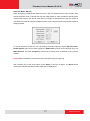
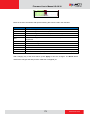
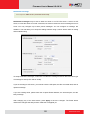
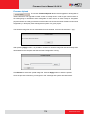
There are 4 pre-defined color options for privacy masks. If the user wants to use any other colors,
please use URL commands to set up the privacy mask instead. To do that, please refer to the
Guide that explains the use of URL commands.
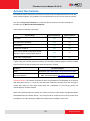
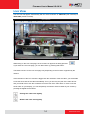
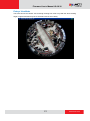
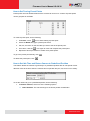
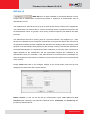
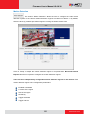
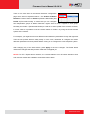
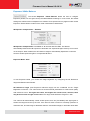
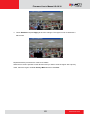
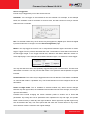
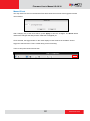
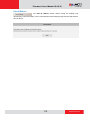
When switching back to live view, the privacy mask would look like this:
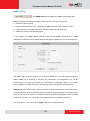
Please note that the Text Overlay (OSD) and Privacy Masks will take effect for both Stream 1 and
Stream 2.
80
www.acti.com