1
Preparation before Use > Loading Paper
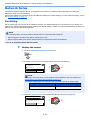
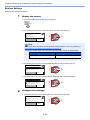
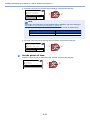
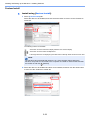
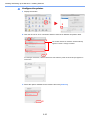
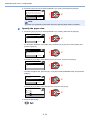
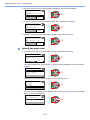
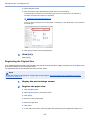
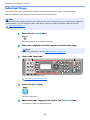
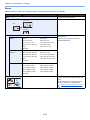
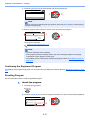
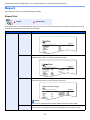
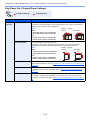
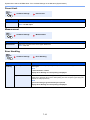
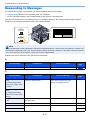
2 Press the [▲] or [▼] key to select [Common Settings], and press the [OK] key.
Status/Sys. Menu:
04 System
05 Admin/Accounting
06 Common Settings
Exit
1
2
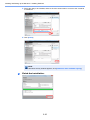
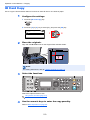
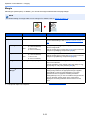
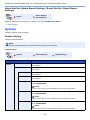
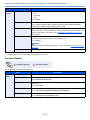
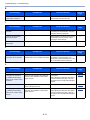
3 Press the [▲] or [▼] key to select [Orig./Paper Set.], and press the [OK] key.
Common Settings:
04 Display Bright.
05 Quiet Mode
06 Orig./Paper Set.
Exit
1
2
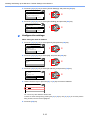
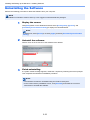
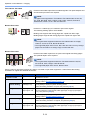
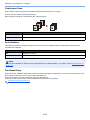
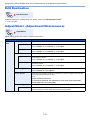
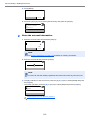
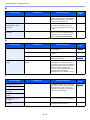
4 Press the [▲] or [▼] key to select [MP Tray Set.], and press the [OK] key.
Orig./Paper Set.:
02 Custom PaperSize
03 Cassette 1 Set.
04 MP Tray Set.
Exit
2
1
2
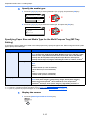
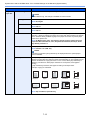
Specify the paper size.
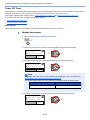
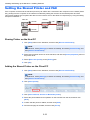
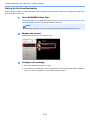
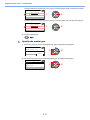
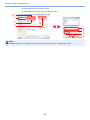
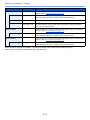
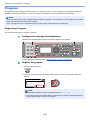
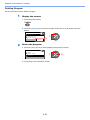
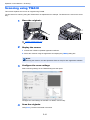
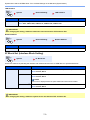
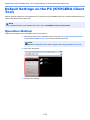
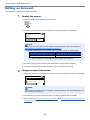
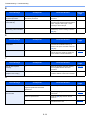
1 Press the [▲] or [▼] key to select [MP Tray Size], and press the [OK] key.
MP Tray Set.:
01 MP Tray Size
02 MP Tray Type
1
2
Exit
•
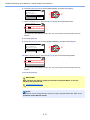
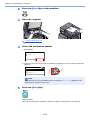
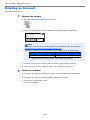
To select the paper size, press the [▲] or [▼] key to select [Standard Size], and press the
[OK] key.
MP Tray Size:
01 *Standard Size
02 Size Entry
1
2
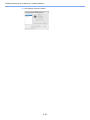
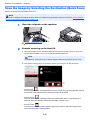
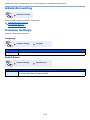
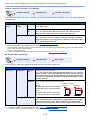
Press the [▲] or [▼] key to select the paper size, and press the [OK] key.
Standard Size:
01 A3
02 A4
03 *A4
•
1
2
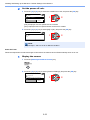
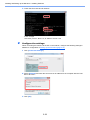
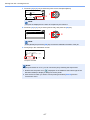
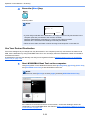
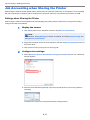
To enter a size not displayed in the standard sizes, press the [▲] or [▼] key to select [Size
Entry], and press the [OK] key.
MP Tray Size:
01 *Standard Size
02 Size Entry
1
3-16
2