1
Changing the camera’s focus
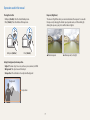
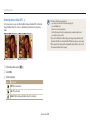
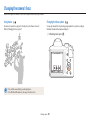
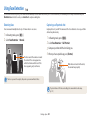
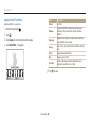
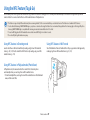
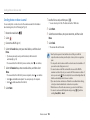
Focusing on a selected area
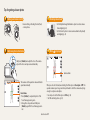
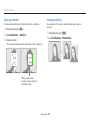
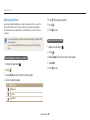
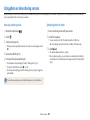
Using tracking auto focus
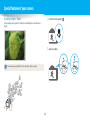
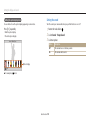
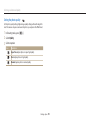
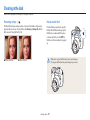
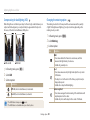
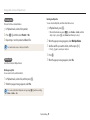
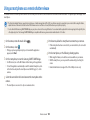
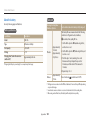
You can focus on an area that you have selected.
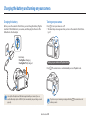
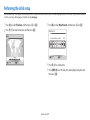
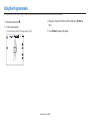
1 In Shooting mode, press [m].
2 Select Focus Area → Selection AF.
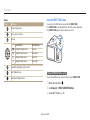
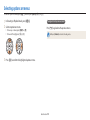
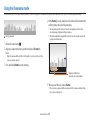
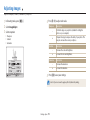
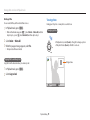
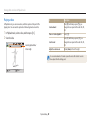
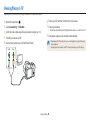
3 Press [o], and then press [D/c/F/t] to move the frame to
a desired area.
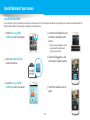
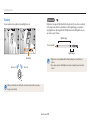
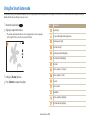
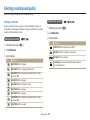
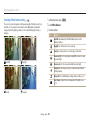
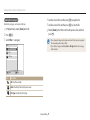
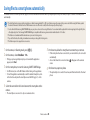
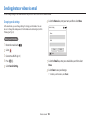
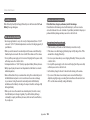
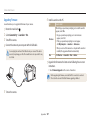
Tracking AF allows you to track and auto focus on your subject, even when you are
moving.
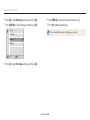
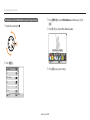
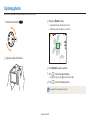
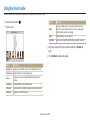
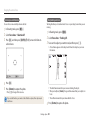
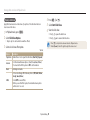
1 In Shooting mode, press [m].
2 Select Focus Area → Tracking AF.
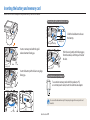
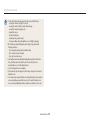
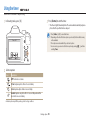
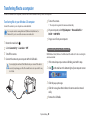
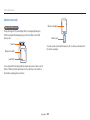
3 Focus on the subject you want to track, and then press [o].
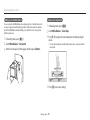
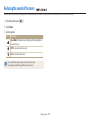
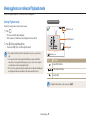
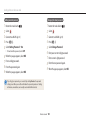
• A focus frame appears on the subject and follows the subject as you move
the camera.
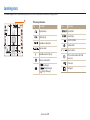
Move
Set
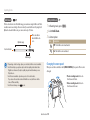
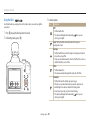
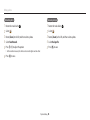
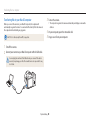
4 Press [o].
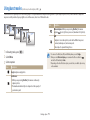
5 Press [Shutter] to capture the photo.
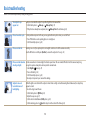
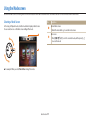
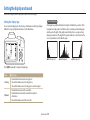
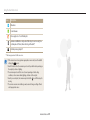
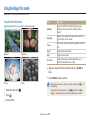
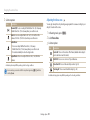
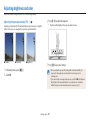
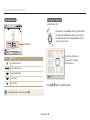
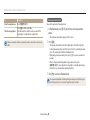
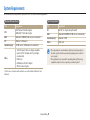
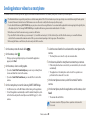
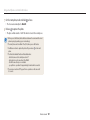
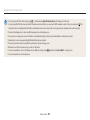
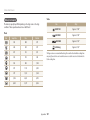
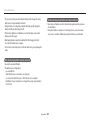
• The white frame means that your camera is tracking the subject.
• When you half-press [Shutter], the green frame means that your subject is in
• Press [o] to change the focus area.
focus.
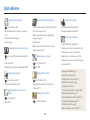
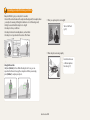
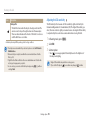
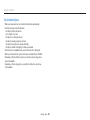
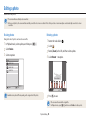
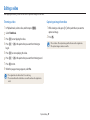
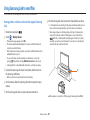
If you use this function, you cannot set Face Detection options, Timer options, and
Intelli zoom.
• The red frame means that your camera failed to focus.
4 Press [Shutter] to capture the photo.
Shooting options 62