1
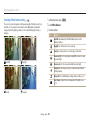
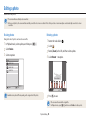
Viewing photos or videos in Playback mode
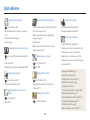
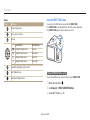
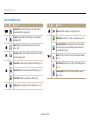
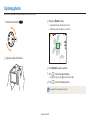
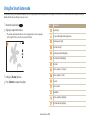
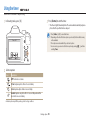
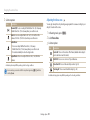
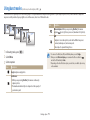
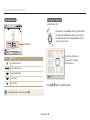
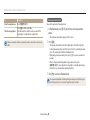
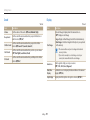
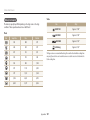
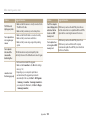
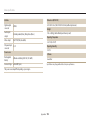
Video file information
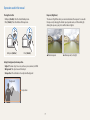
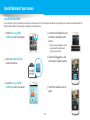
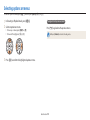
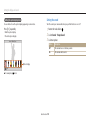
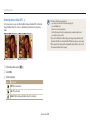
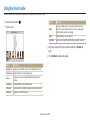
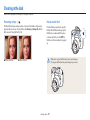
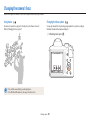
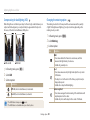
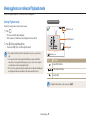
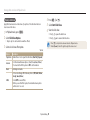
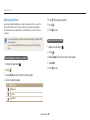
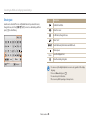
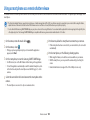
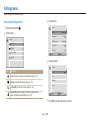
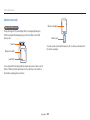
Viewing files as thumbnails
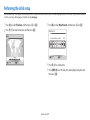
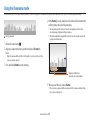
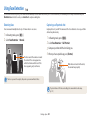
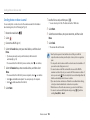
Scan thumbnails of files.
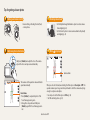
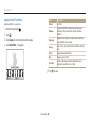
In Playback mode, rotate [Zoom] to the left to view thumbnails
(12 at a time). Rotate [Zoom] to the left once more to display
more thumbnails (24 at a time). Rotate [Zoom] to the right to
return to the previous view.
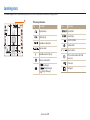
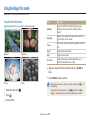
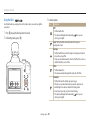
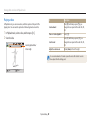
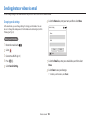
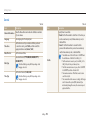
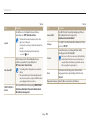
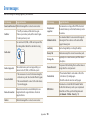
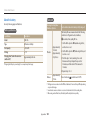
File Information
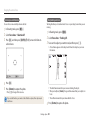
Album
Play
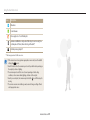
Icon
Capture
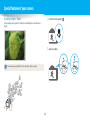
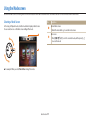
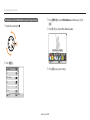
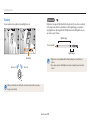
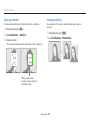
Move to the desired file, and
then press [o] to display it
in full screen view.
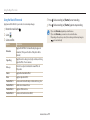
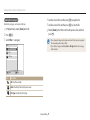
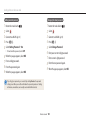
Description
Current file/Total files
Folder name-File name
Current playback time
Menu
Video length
Protected file
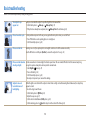
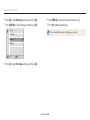
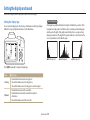
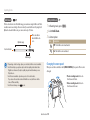
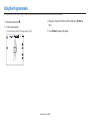
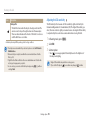
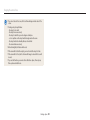
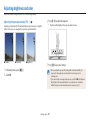
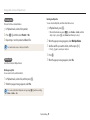
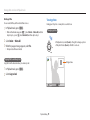
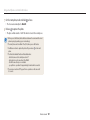
Press [D/c/F/t] to scroll through files.
To display file information on the screen, press [D].
Playback/Editing 76