1
My Camera >
3
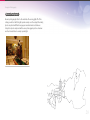
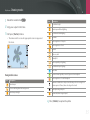
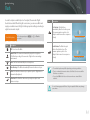
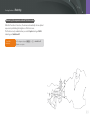
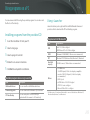
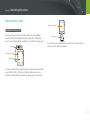
Selecting functions (options)
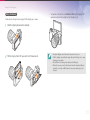
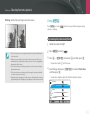
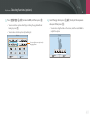
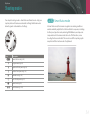
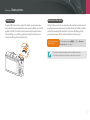
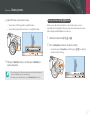
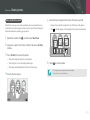
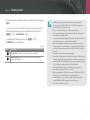
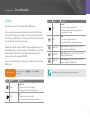
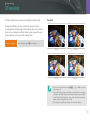
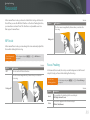
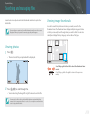
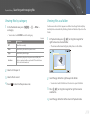
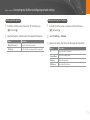
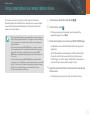
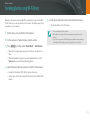
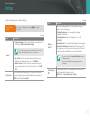
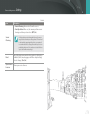
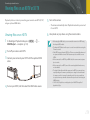
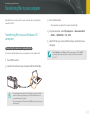
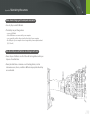
Press [D/I/C/F] to move to EV, and then press [o].
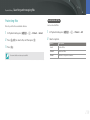
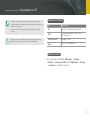
• You can select an option directly by scrolling the jog dial without
4
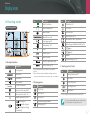
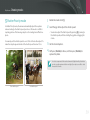
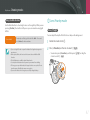
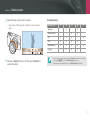
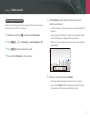
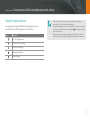
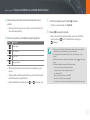
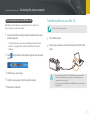
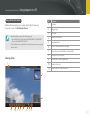
Scroll the jog dial or press [C/F] to adjust the exposure
value, and then press [o].
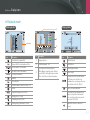
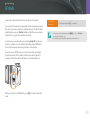
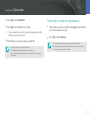
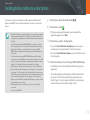
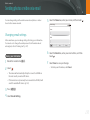
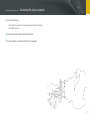
• You can also drag the dial on the screen, and then select Set to
having to press [o].
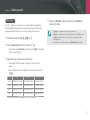
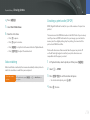
• You can also select an option by touching it.
adjust the option.
EV : 0.0
EV : 0.0
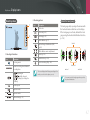
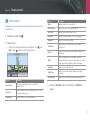
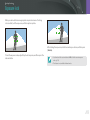
You can adjust some options by
dragging them.
Back
Adjust
Back
Set
40