1
Basics
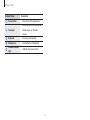
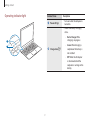
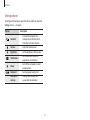
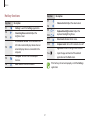
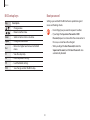
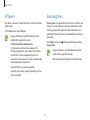
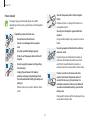
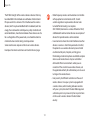
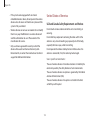
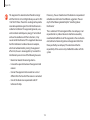
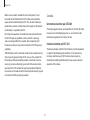
Windows hot keys
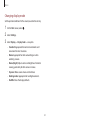
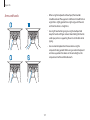
Use hot keys to access functions conveniently in Windows.
Press the Windows key ( ) or the Alt key, and a hot key
simultaneously.
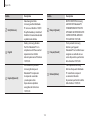
Key
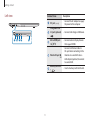
Windows key ( )+D
Description
• Switch to the Start screen or the
most recent application.
• Switch to the desktop.
Windows key ( )+C
• Open the Charms.
Windows key ( )+L
• Lock the screen.
Windows key ( )+U
• Open Ease of Access Center.
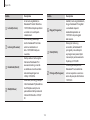
• Opens the project menu (external
display connection) in the Devices
charm.
• Open advanced management tools.
Windows key ( )
Windows key ( )+P
Windows key ( )+X
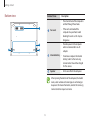
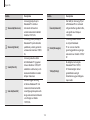
• Close a running application.
Alt+F4
• To use this function, the Fn Lock key
must be turned off.
48