1
Getting started
Getting started
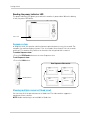
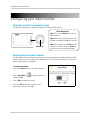
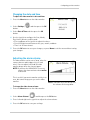
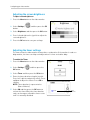
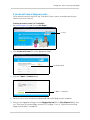
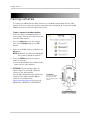
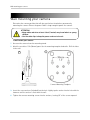
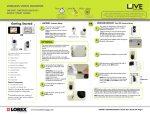
Step 1 of 2: Powering on the camera
1
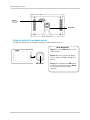
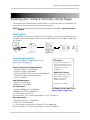
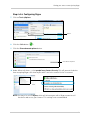
Connect the power adapter to the DC5V port on the camera. Connect the other end to a power
outlet.
2
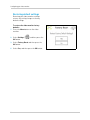
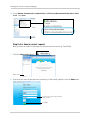
Slide the power switch to the ON position.
1
2
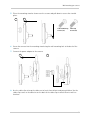
Slide the power switch
to the ON position
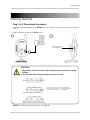
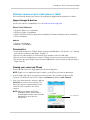
ATTENTION
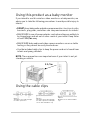
• Keep cables and wires at least 3 feet (1 meter) away from infants or young
children.
• Use the cable clips to keep the power cords out of reach.
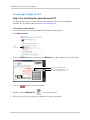
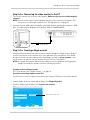
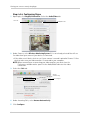
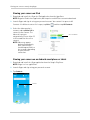
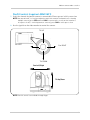
Use the cable clips to secure and manage the
cables. You can wrap the excess cable around the
security clip to reduce the cable length.
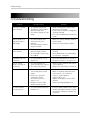
NOTE: For wall mounting instructions, see page 44.
5