1
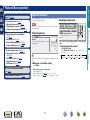
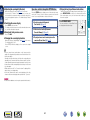
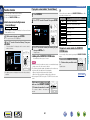
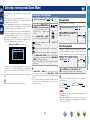
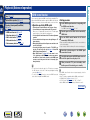
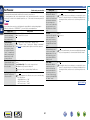
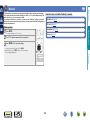
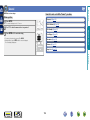
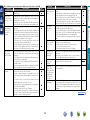
Playing an iPod
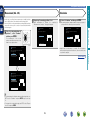
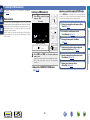
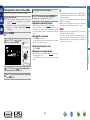
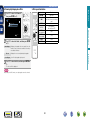
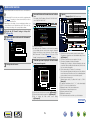
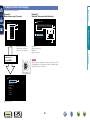
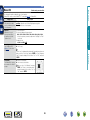
Listening to music on an iPod
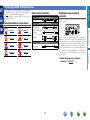
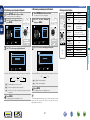
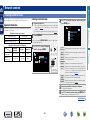
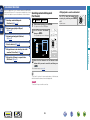
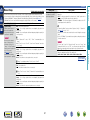
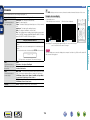
The iPod display modes include “Remote Mode” and “Browse
Mode”.
By default, “Remote Mode”, where you directly operate iPod itself
while seeing the iPod screen, is set.
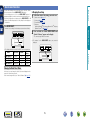
To change to “Browse Mode”, where you perform operations while
having the iPod information displayed on the TV screen, see “Setting
“Browse Mode” (Operation Mode)” (vpage 30).
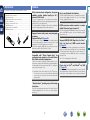
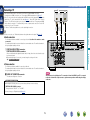
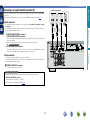
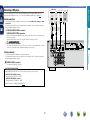
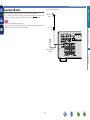
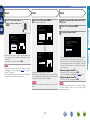
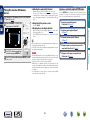
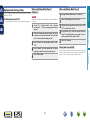
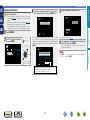
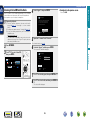
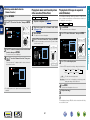
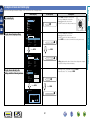
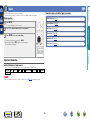
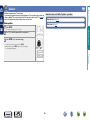
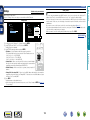
iPod to the iPod/USB port
(vpage 16).
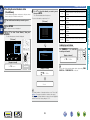
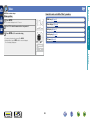
2
Press iPod/USB to switch the
3 input
source to “iPod/USB”.
Press POWER X to turn on
power to the unit.
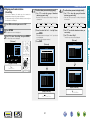
iPod itself directly while seeing the iPod
4 Operate
screen to play back music.
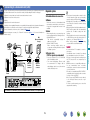
nnStreaming music stored in iPhone, iPod touch,
or iPad directly to the unit (vpage 62)
nnPlaying iTunes music with this unit
(vpage 62)
DVD
29
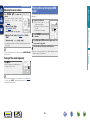
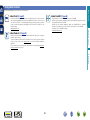
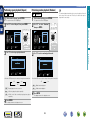
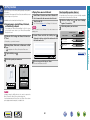
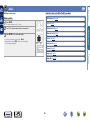
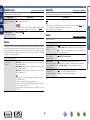
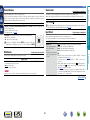
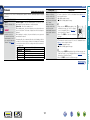
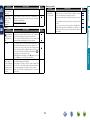
nn Performing repeat playback (Repeat)
(vpage 31)
nn Performing random playback (Random)
(vpage 31)
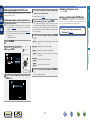
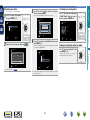
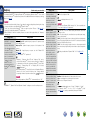
Information
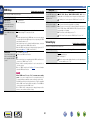
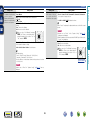
“Remote iPod” is displayed on the
display of this unit.
•Nothing is displayed on the TV screen.
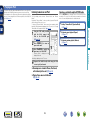
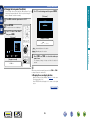
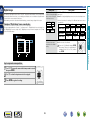
nn Setting “Browse Mode” (Operation Mode)
(vpage 30)
Advanced version
the USB cable provided
1 Using
with the iPod, connect the
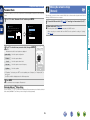
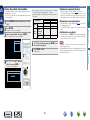
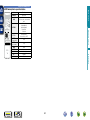
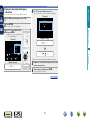
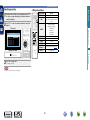
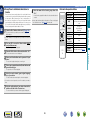
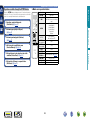
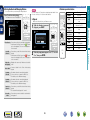
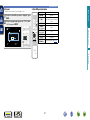
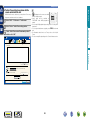
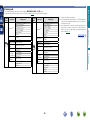
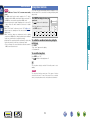
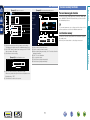
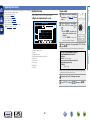
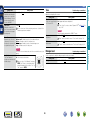
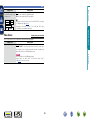
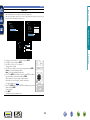
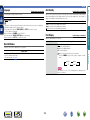
Operations available through the OPTION button
Press the OPTION button to display a menu of functions that can be
used on the TV screen. Select the function you want to use from this
menu. You can easily find and use the desired function.
Basic version
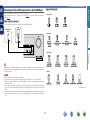
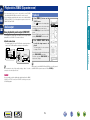
You can use the USB cable provided with the iPod to connect the iPod
with the unit’s iPod/USB port and enjoy music stored on the iPod.
For information on the iPod models that can be played back with this
unit, see “Connecting an iPod or USB memory device to the iPod/USB
port” (vpage 16).