1
Returning to the factory settings
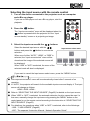
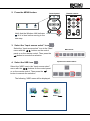
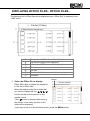
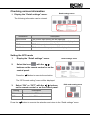
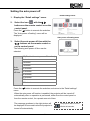
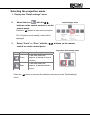
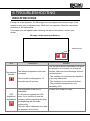
1. Display the “Detail settings” menu.
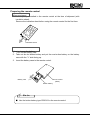
Detail settings menu
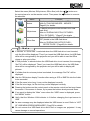
2. Select the icon
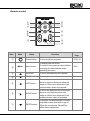
with the
buttons on the remote control or on the
control panel.
Press the
button to execute the selection.
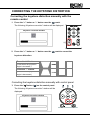
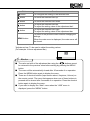
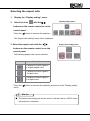
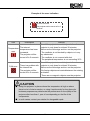
The “Factory settings” menu will be displayed.
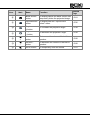
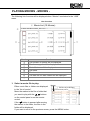
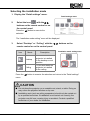
3. Select “Yes” or “No” with the
on the control panel.
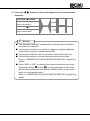
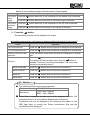
Icon
buttons on the remote control or
Description
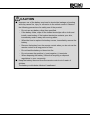
Factory settings menu
To return to the factory settings.
Do not return to the factory settings.
Press the
menu.
button to execute the selection and return to the “Detail settings”
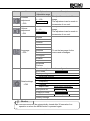
Refer to “MAIN MENU” (Page53) for the default values for each setting item.
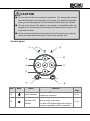
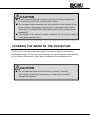
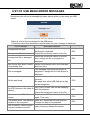
CAUTION
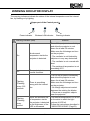
■ "Return to factory settings" can be configured after powering on the
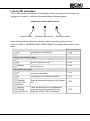
projector and "Wireless LAN indicator" changed from flashing to lighting
up.
■ If it was operated while flashing by mistake, it may not be returned to
factory settings properly, so please retry after lighting up.
73