1
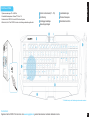
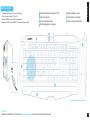
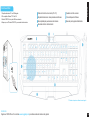
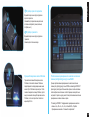
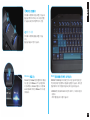
1. System requirement: PC with built-in USB
2. OS Supported: Windows® XP / Vista/ 7/ 8
3. Plug FORCE K7 into the USB port of your computer.
4. Wait until your PC detects the FORCE K7 and backlight is on.
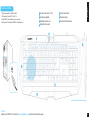
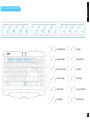
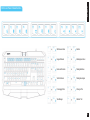
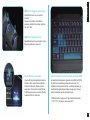
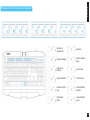
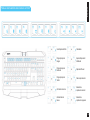
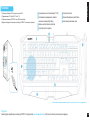
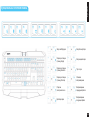
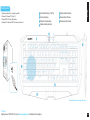
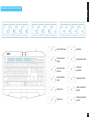
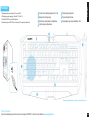
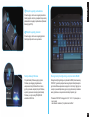
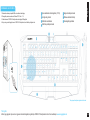
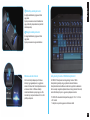
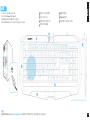
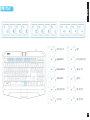
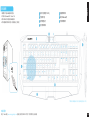
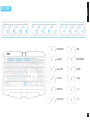
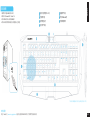
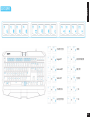
Hot-link function keys (f1~f12)
Anti-ghoting capability
Extended wrist rest area
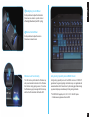
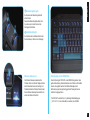
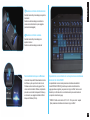
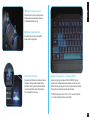
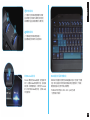
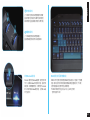
Backlight control wheel
Volume control wheel
Windows lock key
Non-slick rubber feet stands
English
Installation
*Actual keyboard may differ for each region.
Support
Register your FORCE K7 on Aivia Forum www.aivia.gigabyte.com to get free online technical support.
2