1
Firmware User’s Manual V6.04.15
Exposure / White Balance
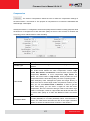
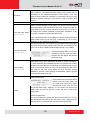
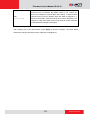
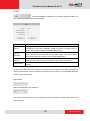
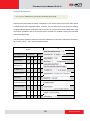
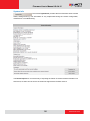
The section Exposure / White Balance allows the user to configure
Exposure (shutter, iris and gain control) and White Balance settings. In most cases, the default
settings are sufficient and no adjustment is needed. Some options will only appear under certain
Exposure / White balance modes. Each mode is described in detail below.
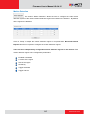
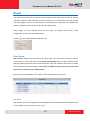
Exposure Mode - Auto
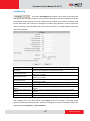
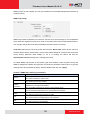
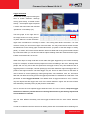
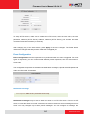
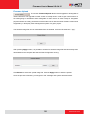
In Auto Exposure Mode, you control the image brightness by configuring the AE Reference
Target and Slowest Auto Shutter.
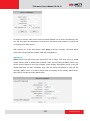
AE Reference Target (Auto Exposure reference target) can be considered as the “Target
Brightness on Sensor”. The camera will use several internal parameters to achieve best quality
with reference to this. The higher this value, the brighter the overall scene, however, there
may be more noise at night in such case. The range of AE Reference Target is 1~255.
The camera will automatically control shutter speed, auto iris (if available) and signal gain to
achieve the target level set by the user. If the auto iris does not exist or is already opened to a
maximum size, and the image is still darker than the user defined target, it will further slow down
the shutter speed within the allowed range (set by user under Slowest Auto Shutter Speed) and
increase the signal gain.
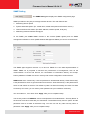
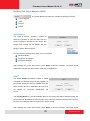
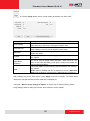
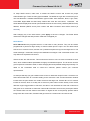
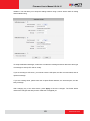
Slowest Auto Shutter Speed is the user defined threshold for slowest allowed speed of auto
shutter. For example, if by default the shutter speed would vary between 1/5s ~ 1/2000s
depending on the lighting conditions, then setting the Slowest Auto Shutter Speed to 1/30s would
narrow down the auto shutter range to work between 1/30s ~ 1/2000s. The purpose of allowing
user to define the threshold for slowest speed is to avoid motion blur caused by too slow shutter
at night.
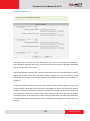
It is also important to know that very high shutter speed is not recommended for indoor solutions
with artificial light that flashes with certain frequency, as it may produce flickering effect,
regardless of Exposure mode.
51
www.acti.com