1
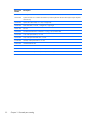
Fan sink
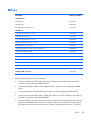
Description
Spare part number
Fan sink
745661-001
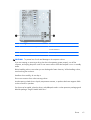
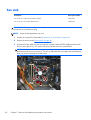
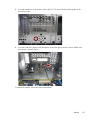
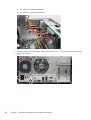
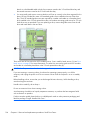
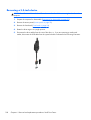
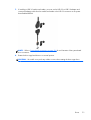
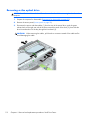
The fan sink is secured atop the processor with four captive Torx screws. The fan sink includes a heat
sink and a fan.
1.
Prepare the computer for disassembly (Preparation for disassembly on page 92).
2.
Remove the access panel (Access panel on page 93).
3.
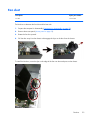
Remove the fan duct (Fan duct on page 121).
4.
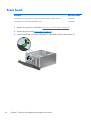
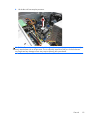
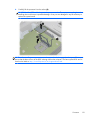
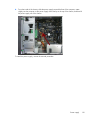
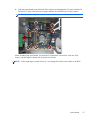
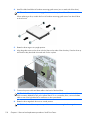
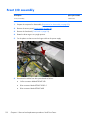
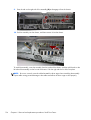
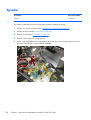
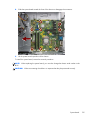
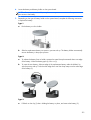
Loosen the four captive Torx T15 screws that secure the fan sink to the system board tray.
CAUTION: Remove fan sink retaining screws in diagonally opposite pairs (as in an X) to even
the downward forces on the processor. This is especially important as the pins on the socket are
very fragile and any damage to them may require replacing the system board.
130
Chapter 6 Removal and replacement procedures: Small Form Factor