1
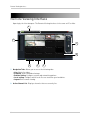
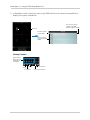
Remote Viewing Interface
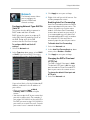
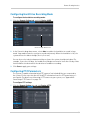
Configuring Basic Network Settings
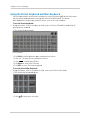
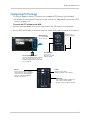
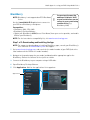
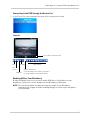
The basic network menu allows you to configure the network protocol type (DHCP or
Static), UPnP and mobile phone login information.
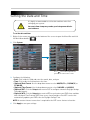
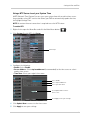
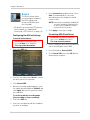
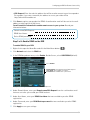
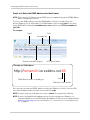
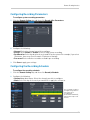
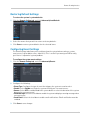
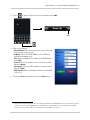
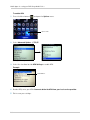
To configure basic network settings:
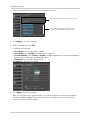
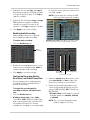
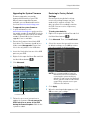
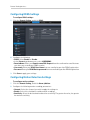
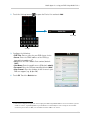
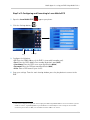
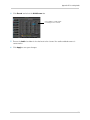
1 Click the Remote Setting tab, and click Network.
2
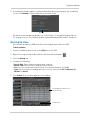
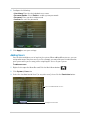
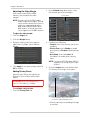
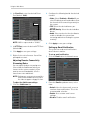
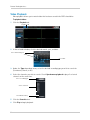
Configure the following under Basic Configuration:
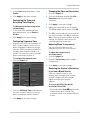
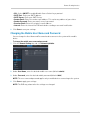
• Type: Select between DHCP or Static. If you select Static, you can edit the IP address, Subnet
Mask, Gateway, and DNS settings.
• Auto Port Forwarding: Select Enable or Disable to enable or disable the Auto Port Forwarding
feature.
3
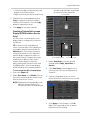
Click Save to apply your settings.
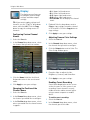
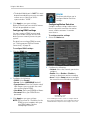
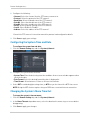
Configuring the System Substream
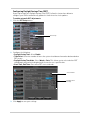
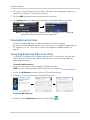
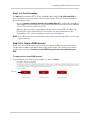
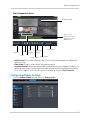
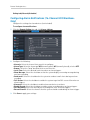
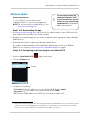
You can adjust the data streaming rate (also called the SubStream) when you connect to
the system remotely. If you want to conserve bandwidth, select a lower frame rate and
bitrate.
NOTE: Setting your system to stream with a lower frame and bitrate may cause the video to
appear choppy or slow.
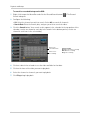
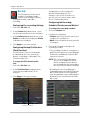
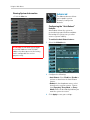
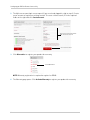
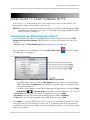
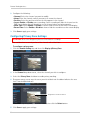
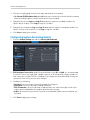
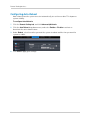
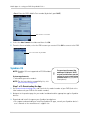
To configure the system’s substream:
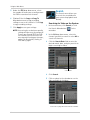
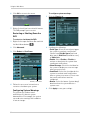
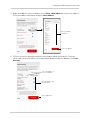
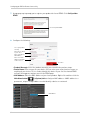
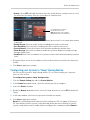
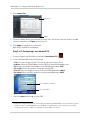
1 Click the Remote Setting tab, and click Network>SubStream.
79